CodeRabbit brings collaborative coding to Slack Code channels
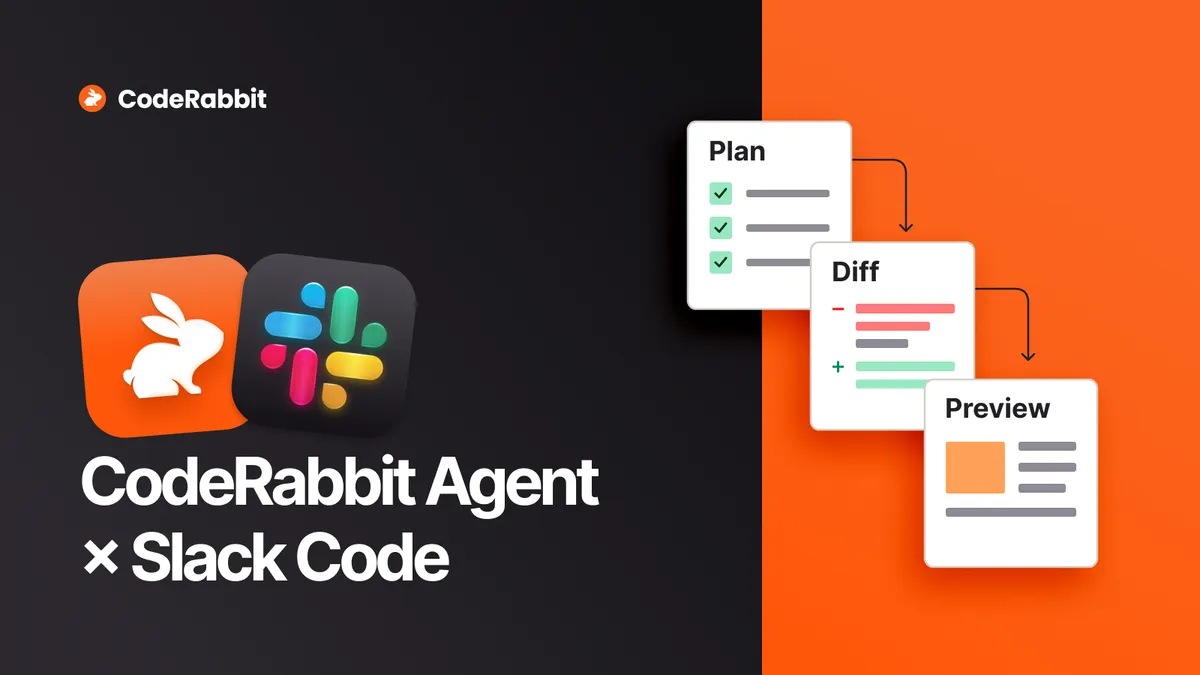
CodeRabbit has extended its CodeRabbit Agent for Slack to support Slack Code channels, a setup it calls collaborative coding. Teams can specify, plan and build software together with AI agents in a single shared thread instead of in separate one-on-one chats.
- CodeRabbit Agent for Slack now supports Slack Code channels, enabling what CodeRabbit calls collaborative coding.
- Several experts and AI agents can specify, plan and build in one shared thread, with work also available on a GitHub branch.
- CodeRabbit's cloud coding agents are currently in beta.
- A named human approver reviews the result, and merging follows the repository's normal protected merge process.
- CodeRabbit says Slack Code channels are still new, so workflows may change.
From solo chats to a shared thread
According to CodeRabbit, much of coding is still done individually. With AI coding agents, each step, from investigating the codebase to implementing the specification, has become a chat. The company argues that this developer conversation remains solo, even though most of the work is now a conversation.
CodeRabbit's answer is collaborative coding: the people with the right expertise join the same thread and work with AI agents on the task. The company says this keeps alignment in the same place as the implementation, so the agent can use input from every stakeholder directly rather than one person's second-hand summary of a meeting.
An example: product metrics in Salesforce
CodeRabbit illustrates the idea with a task in which sales needs product usage metrics. The goal is a cron job that reads from the product database and writes the metrics to a custom object in Salesforce. Three people hold the pieces:
- Salesforce admin: creates the new fields with the right Field Level Security.
- Product engineer: knows the tables and the best way to read the metrics.
- Infrastructure engineer: deploys the cron job with secure access to the database and Salesforce credentials.
In the traditional version, the requester meets each person in turn, relays status updates, and holds huddles when questions arise. In the collaborative version, the requester asks CodeRabbit Agent for Slack to open a Slack Code channel with the requirements. The Salesforce admin is invited first, refines the specification and triggers the agent to build the fields. The product engineer then sees the full trail, can ask the admin about Salesforce API limits or batched writes in the same channel, and triggers a further coding task to read the database and write to Salesforce. The infrastructure engineer joins when the work is ready to deploy and can catch up in the channel or ask CodeRabbit for a summary.
According to CodeRabbit, nobody has to leave Slack, and the work is also on a GitHub repository branch that can be cloned for individual work.
What the integration covers
Slack recently launched Slack Code channels, which include artifacts for storing plans, a canvas for designs and a diff view for code. CodeRabbit Agent for Slack launched a few months ago and has since been enhanced to support these channels. CodeRabbit lists these uses:
- Research issues and features: connect to ticketing systems such as Jira and Linear to fetch and investigate a request.
- Develop specifications: iterate with stakeholders, then have the agent investigate the codebase and refine the specification.
- Find the right experts: CodeRabbit's review context connects code areas with their authors, so relevant people can be invited.
- Implement the code: CodeRabbit's cloud coding agents, currently in beta, work in customizable environments to implement changes, commit them and open pull requests.
- Review the code: when a pull request opens, CodeRabbit reviews it automatically and posts comments.
- Finalize for merge: the agent can evaluate review comments and prepare or apply changes. A named human approver reviews the result, and the team merges through the repository's normal protected merge process.
Benefits, trade-offs and getting started
CodeRabbit lists clearer input for agents, shared visibility without status meetings, the option to work locally and rejoin the thread, late joiners such as marketing, sales, support or docs, context that stays in the channel, and coverage when someone is out of office.
The company also names trade-offs. The main challenge is habit, since teams are not used to coding this way. Cloud-based coding agents instead of local development are also a big change, and because Slack Code channels are still new, teams should expect the workflow to change as the product evolves.
To start, users sign up for a CodeRabbit trial, connect an active Git repository and install CodeRabbit Agent for Slack. Existing customers can skip the first two steps. After that, the prompt is: @Coderabbit start a Slack Code channel for <your idea>!