JetBrains Air Brings Multiple Coding Agents Into Its IDEs
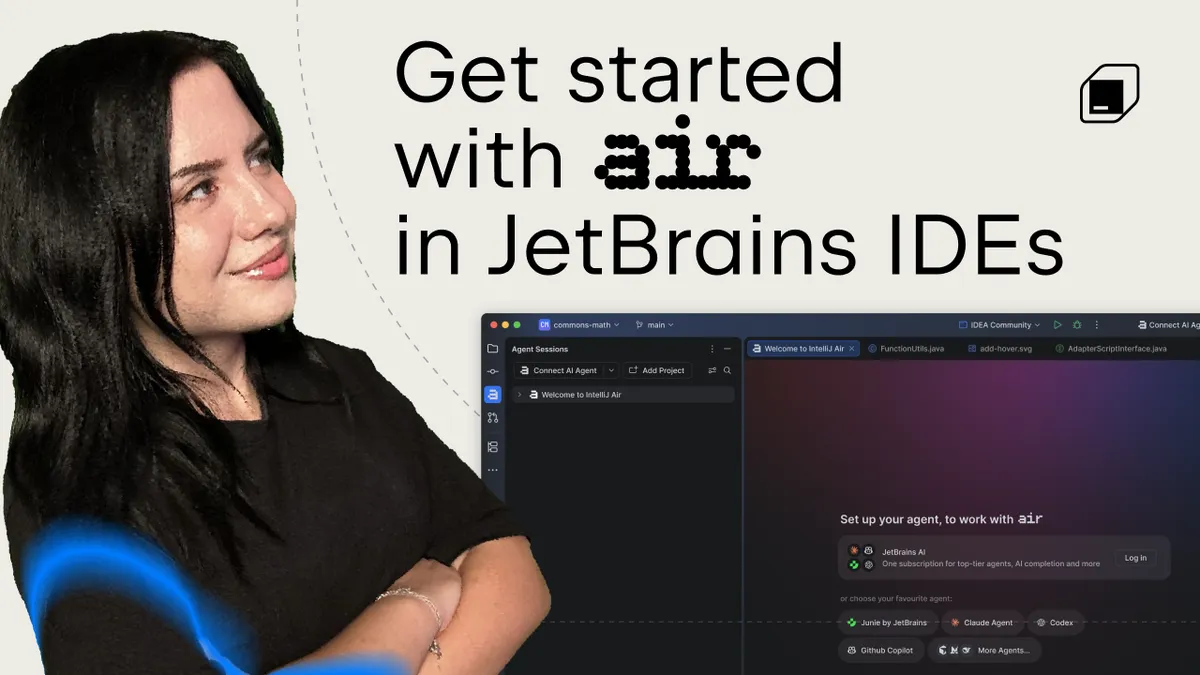
JetBrains has published the first guide in a series on Air in JetBrains IDEs, a plugin that lets developers run several coding agents from one workspace and review their changes with familiar IDE tools. Air is available from JetBrains Marketplace and is built into the JetBrains IDEs in the 2026.3 EAP.
- Air in JetBrains IDEs is available as a JetBrains Marketplace plugin and is built into the 2026.3 EAP.
- It supports Codex, Gemini, GitHub Copilot, Claude Agent, Junie and other agents via the Agent Client Protocol.
- Agent sessions open as editor tabs, with diffs, tests and feedback to the agent handled inside the IDE.
- According to JetBrains, installing Air does not activate agents or send project code to an AI provider.
- Junie can currently be tried in Lite mode without a paid subscription.
One workspace for several agent sessions
According to JetBrains, setting up coding agents to handle several tasks is easy, but knowing where each task stands, what each agent has changed and what still needs attention is harder. Air is meant to address that by bringing agents into the environment where developers already write, review, run and test code.
From a single workspace, users can manage different agent sessions, track their progress and review the results. Sessions open in the editor as tabs, so switching between an agent and your own code is straightforward. Changed files and diffs stay accessible from the session, which keeps the agent's work close to the code it affects.
Developers can ask one agent to explore an unfamiliar part of a project while another implements a change, or run several sessions with the same agent. JetBrains also says session-level cost estimates are available, to show how agent and model choices affect usage.
Supported agents and setup
Air can detect compatible agents already installed on a machine. Through Manage Agents, users can install agents from the registry or connect custom ones, then pick an agent for each task. Supported agents are:
- Codex
- Gemini
- GitHub Copilot
- Claude Agent
- Junie
- Other agents connected through the Agent Client Protocol (ACP)
A JetBrains AI subscription supports all of these agents. According to JetBrains, only Claude Agent requires that subscription in Chat view, while its terminal interface lets users work with their own Claude subscription. The terminal opens as a full-screen tab. Where available, voice input can be used for instructions or feedback.
To start a session, users press Cmd+2 on macOS or Alt+2 on Windows and Linux, then describe the task. Attaching a file or selecting relevant code gives the agent more context. JetBrains advises that a focused request gives the agent a clearer starting point, whether the goal is exploring the project, investigating a bug or implementing a feature.
Installing Air from the notification in AI Assistant turns AI Assistant off so the two do not run side by side. Users can switch back by pressing Shift twice, selecting Actions and searching for Open AI Assistant, or through Options in the Agent Sessions tool window. JetBrains says there is no need to disable Air.
Data handling and reviewing results
JetBrains states that installing Air does not install or activate any agents, and does not cause project code to be sent to an AI provider. Users decide which agents to connect. If a third-party agent is connected, data goes directly to that provider under the user's existing agreement. With JetBrains AI, the JetBrains AI Terms of Service apply.
For review, Air lets users move from the agent session into the surrounding project to inspect the diff, navigate related code, run tests and use other IDE tools. If changes are needed, feedback on the diff can be sent back to the agent.
The first video in the series, presented by Developer Advocate Kristel Cocoli, starts with an existing project, asks agents to extend it, then reviews and tests the result. A separate onboarding video by Developer Advocate Mike Hartington covers the setup step by step.
What it means for developers
Air gives developers who already use more than one coding agent a single place to run them and check their output with the IDE's own review and testing tools. JetBrains says this leaves room to use familiar agents while trying others when a task calls for a different approach.
For those who want to try it without a paid plan, JetBrains says Junie can currently be used in Lite mode without a paid subscription after signing in with a JetBrains Account. The next part of the series will cover more advanced workflows, including worktrees, code notes and generating commit messages.
JetBrains AI: Getting Started with Air in JetBrains IDEs – Part 1