Luma adds Kling 4.0 for fast action and big camera moves
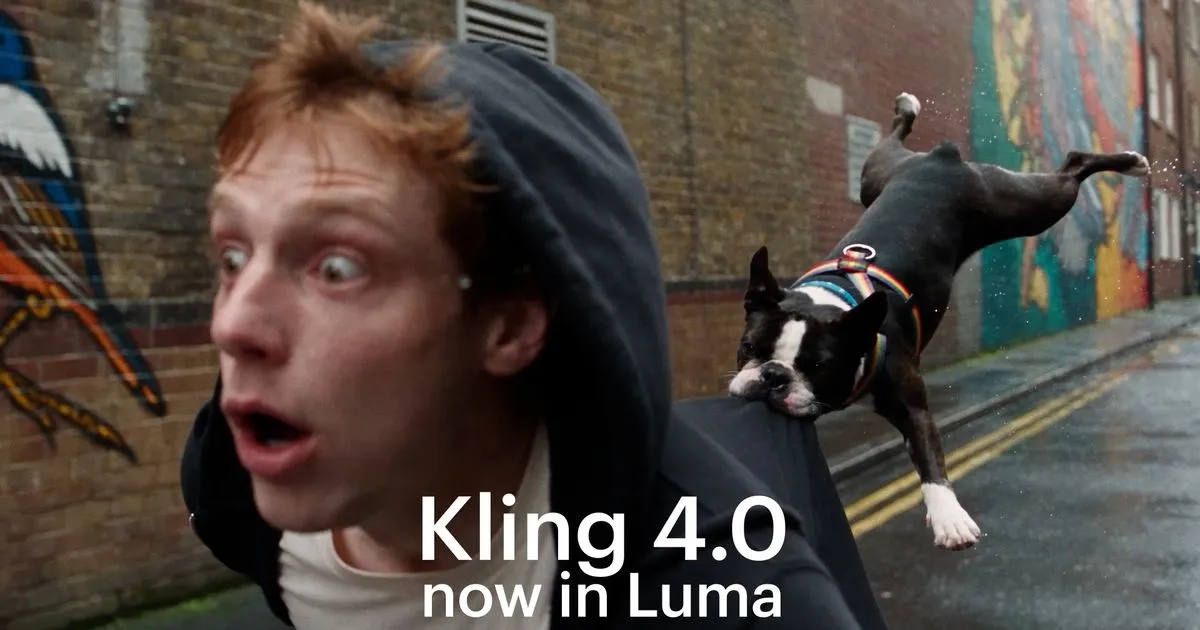
Luma has added Kling 4.0, an AI video generator built for fast action and big camera moves, to its platform. According to Luma, the model is available to every Luma customer and works directly inside the project board.
- Luma has added Kling 4.0, an AI video generator for fast action and big camera moves.
- According to Luma, the model is available to every Luma customer inside the project board.
- Supported modes are text-to-video and image-to-video in 16:9, 9:16, 1:1 and 21:9.
- Luma says it targets drifting tracking shots and subjects losing shape during orbits, which cause costly re-renders.
- The announcement gives no pricing or benchmark data.
A model for the hardest shots
Luma describes Kling 4.0 as a tool made for shots where the performance, the camera and the environment all have to hold together. The company frames movement as a critical delivery point in AI video generation, but also an expensive one. In its words, a tracking shot that drifts or a subject that loses shape halfway through an orbit means another render.
The pitch is therefore selective. Luma says users should reach for Kling 4.0 on exactly those movement-heavy shots and keep their other tools for everything else.
What Kling 4.0 offers
Luma lists the following capabilities for the model:
- Fast action that holds together through the move
- Camera work that feels directed, including tracking shots, orbits, push-ins, pans and changes in shot size
- Characters that stay closer to the brief, with more expression in the face
- On-screen text that stays put while the camera moves
- Text-to-video and image-to-video, in 16:9, 9:16, 1:1 and 21:9
The range of aspect ratios covers widescreen, vertical, square and ultrawide formats, so the same model can be used for different delivery formats. These are claims made by Luma, and the announcement does not include benchmarks or comparison data.
How it works in a Luma board
Kling 4.0 sits next to Luma's own tools and the other video and image options already in the workflow. Luma says users pick it the way they would pick a lens. The process it outlines is short:
- Open the board for your project in Luma.
- Choose Kling 4.0 for the shot that needs more movement.
- Describe the shot, or start from a still of your talent or product.
- Judge the take and refine it in the same board, next to the rest of the cut.
Luma stresses that users never have to leave the board where the rest of their project lives. Generated takes can be reviewed and refined in the same place as the rest of the edit.
What it means for Luma users
For existing Luma customers, the addition means another model option inside the same workspace, aimed at motion-heavy scenes where re-renders add up. Starting from a still of talent or a product is supported through image-to-video, while text-to-video covers shots described from scratch. The announcement does not give pricing, credit costs or usage limits for Kling 4.0, so those details are not confirmed here.
Luma AI: Kling 4.0 in Luma: Fast Action and Big Camera Moves | Luma