Picsart adds ByteDance’s Seedance 2.5 Flash for faster AI video tests
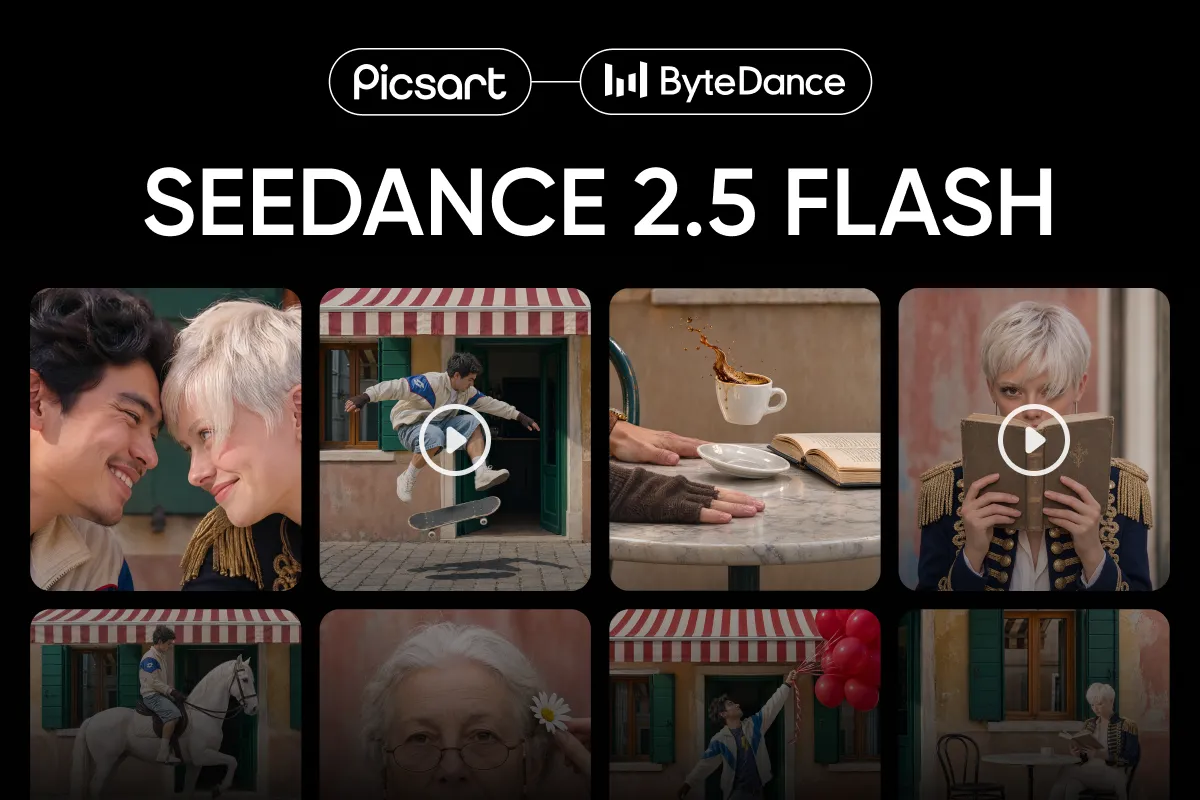
Picsart has integrated ByteDance’s Seedance 2.5 Flash into its AI Playground, giving users a faster, lower-cost way to test AI video ideas. The model generates clips from 4 to 30 seconds with sound, at 480p or 720p.
- Seedance 2.5 Flash is now live in Picsart AI Playground.
- It generates 4 to 30-second clips with sound at 480p or 720p.
- The model supports up to 20 references per generation.
- Seedance 2.5 supports 1080p and 4K output for higher-resolution renders.
- Flash is available on the web, in the Picsart desktop app and through developer tools.
A faster tier for video iteration
Seedance 2.5 Flash is the fast tier of ByteDance’s Seedance 2.5 model family. According to Picsart, it uses the same general workflow as the full model, but is tuned to return results sooner and at a lower cost per clip.
The model is aimed at the exploratory stage of production, when creators are testing camera movements, dialogue, framing, pacing and variations before committing to a final render. It supports text-to-video, start and end frames, video editing and video extension.
Flash can generate a single take of up to 30 seconds and produces sound alongside the video. Users can also turn sound off when a clip will receive a separate soundtrack later.
What changes compared with Seedance 2.5
The main differences concern resolution, references and Draft Mode. Seedance 2.5 Flash outputs 480p or 720p video, while Seedance 2.5 supports 480p drafts as well as 1080p and 4K output. Flash accepts up to 20 references, compared with up to 50 for Seedance 2.5, and does not include Draft Mode.
Picsart says Flash can use up to 10 images, 5 video clips and 5 audio files in a generation. These references can help maintain a character’s appearance, specify a camera movement or provide a voice and mood.
The model supports clip lengths from 4 to 30 seconds, or Auto, along with 21:9, 16:9, 4:3, 1:1, 3:4 and 9:16 aspect ratios. A generated clip’s final frame can also become the opening frame of the next clip, allowing longer sequences to be built shot by shot.
Where Flash fits in a production workflow
Picsart positions Seedance 2.5 Flash as a tool for rapid variation and previsualization. A creator working on a sneaker advertisement, for example, could test several camera paths, music choices and reveals before sending the selected direction through Seedance 2.5 for a higher-resolution master.
Potential uses described by Picsart include creating ad variations for vertical, square and widescreen placements, building storyboards, developing recurring characters and editing or extending existing footage. A 720p clip may also be suitable for a social story, a client concept or an internal pitch, according to the company.
Picsart recommends structuring prompts like shot lists when several references are involved. Creators can assign a specific role to each file, divide the action into timed sections and identify the image that should appear as the final frame.
Availability in Picsart
Seedance 2.5 Flash is available in Picsart AI Playground on the web and in the Picsart desktop app. AI Playground includes more than 150 video and image models, and the same prompt can be run across several models for comparison.
Users can select the model, describe a shot, add images, video clips or audio, choose a length, aspect ratio and resolution, and decide whether to keep sound. Generated versions can be downloaded as MP4 or MOV files.
Developers can access Flash through the Picsart CLI, Picsart MCP, the REST API and the SDK. For users, the integration provides a lower-resolution route for exploring ideas, while projects requiring 1080p or 4K can move to Seedance 2.5 for final rendering.