SingleStore Launches AI Agent to Tune Slow Queries on Its Database
SingleStore has introduced a Query Tuning Agent that analyzes slow SQL queries and returns prioritized fixes based on the database's own debug profile. The company says the agent is meant to make expert-level performance diagnosis repeatable and available earlier, and it is now opening a preview.
- SingleStore introduced an AI agent that turns a slow query or debug profile into prioritized tuning recommendations.
- The agent follows a defined pipeline and checks generated DDL for syntax and semantic constraints before showing it.
- It is available in the portal via Visual Explain, the SQL Editor and query history, with an MCP server skill planned.
- Profiled queries run in a transaction that is always rolled back, and DDL and DML are returned only as text.
- A preview is open, and SingleStore is working with design partners.
Replacing a fragmented tuning workflow
According to SingleStore, fixing a slow query depends on how data is laid out and moved through its distributed execution engine. Shard keys determine where data lives and can enable collocated joins that avoid network shuffles. Sort keys drive segment elimination on columnstore tables, and projections provide alternate access paths. Knowing which to change, and when, takes deep database experience that often sits with solutions engineers and support engineers.
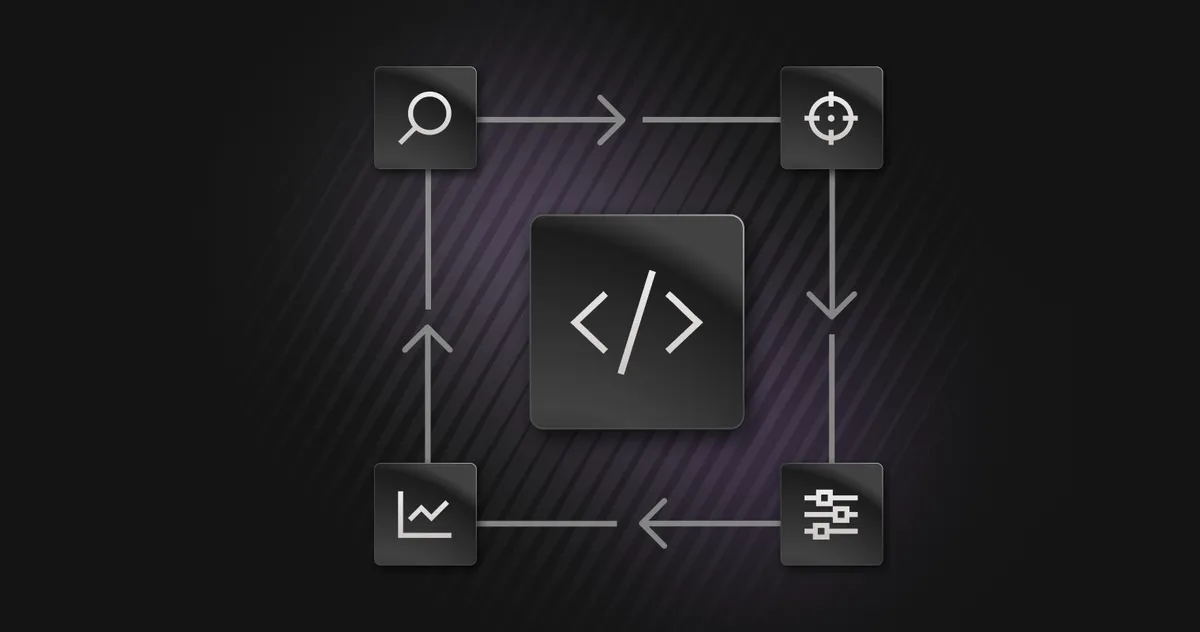
The company describes the current process as one with several context switches: generate a debug profile, clean it with a command line script, upload it to a chat tool along with a large knowledge base file, then translate the answer back into SQL. The agent replaces this with a single guided loop. A user starts from a slow query or a debug profile, the agent inspects the profile and schema, and it returns prioritized findings with supporting evidence. The user then copies validated SQL into a non-production environment, applies it, re-profiles and compares.
The agent captures a debug profile on demand when it has workspace and database context. It also accepts an uploaded debug profile JSON, which allows analysis of profiles from self-hosted systems without a live connection.
A defined pipeline and SingleStore-specific patterns
SingleStore says the agent runs a defined pipeline rather than a free-form chat. The steps are:
- Ingest the query and its debug profile.
- Clean and normalize the profile.
- Parse the execution plan, extract per-operator timing and identify distributed operations.
- Detect the bottleneck and classify the root cause.
- Search a curated tuning knowledge base.
- Recommend a fix with an explanation of the reasoning.
- Validate any generated DDL before it is shown.
Because the flow is explicit, the company says it can measure whether a session followed it, how many tool calls it took, and whether the output stayed faithful to the retrieved knowledge.
The agent targets patterns that matter on a distributed engine, including broadcast and repartition-heavy joins, data skew, shard key choices that block collocated joins, sort key mismatch, cardinality mis-estimation and stale statistics, spills, compile overhead and plan cache misses, and tradeoffs around projections, hash indexes and reference tables. Recommendations draw on operator timing, segment scans and skips, skew ratios, and estimated versus actual row counts.
In SingleStore's example, a developer runs a join between two large tables. The agent spots a broadcast join and traces it to mismatched shard keys on orders and customers. It suggests aligning both tables on the join column to enable a collocated join, and supplies candidate DDL to validate in non-production first.
Where it appears and how it stays safe
In the SingleStore portal the agent runs as a sidebar assistant. From Visual Explain, an optimize action opens it with the query and attaches the raw profile in the background. In the SQL Editor, users select a query and click Optimize. The same action is available on past runs in query history. Outside the portal, the company plans to offer the tuning logic as a skill in its MCP server, so any developer with an MCP client can run it against their own profiles and send feedback.
SingleStore says the agent is conservative by default. It explains rather than executes: DDL and DML are returned as text for the user to review and apply. Generated statements are checked for syntax and semantic constraints, such as a shard key needing to be a subset of the primary key.
Because real profiling executes the statement, including writes such as UPDATE, DELETE and INSERT ... SELECT, every profiled query is wrapped in an explicit transaction that is always rolled back, according to the company. The rollback is issued even if the query fails partway. The agent also declines to run if the session already has a transaction in flight. It runs under the user's own credentials and permissions, so it gains no additional access.
Every recommendation carries a thumbs up or down and an optional comment. Negative feedback can become a review item and flow into an evaluation suite that mixes synthetic tasks, anonymized real-world profiles graded against expert answers, and a regression set with adversarial inputs. A request to drop databases, for example, must be refused.
What it means for SingleStore users
SingleStore says support and solutions teams get a consistent first pass on tuning investigations, freeing time for harder cases, while customers get its tuning knowledge closer to where they work. The company states that none of this replaces expert judgment for complex, novel scenarios.
The immediate focus is coverage and trust: more tuning patterns, tighter evidence behind each recommendation, and engine-backed validation so more suggestions can be checked against SingleStore's own optimizer logic. The company is opening a performance tuning agent for preview and working with design partners. Teams that tune queries regularly can contact SingleStore's account and support teams to get started.
SingleStore: Introducing the Query Tuning Agent: Optimize Your Most Complex Workloads