Vercel Flags can now be shared across projects without SDK keys
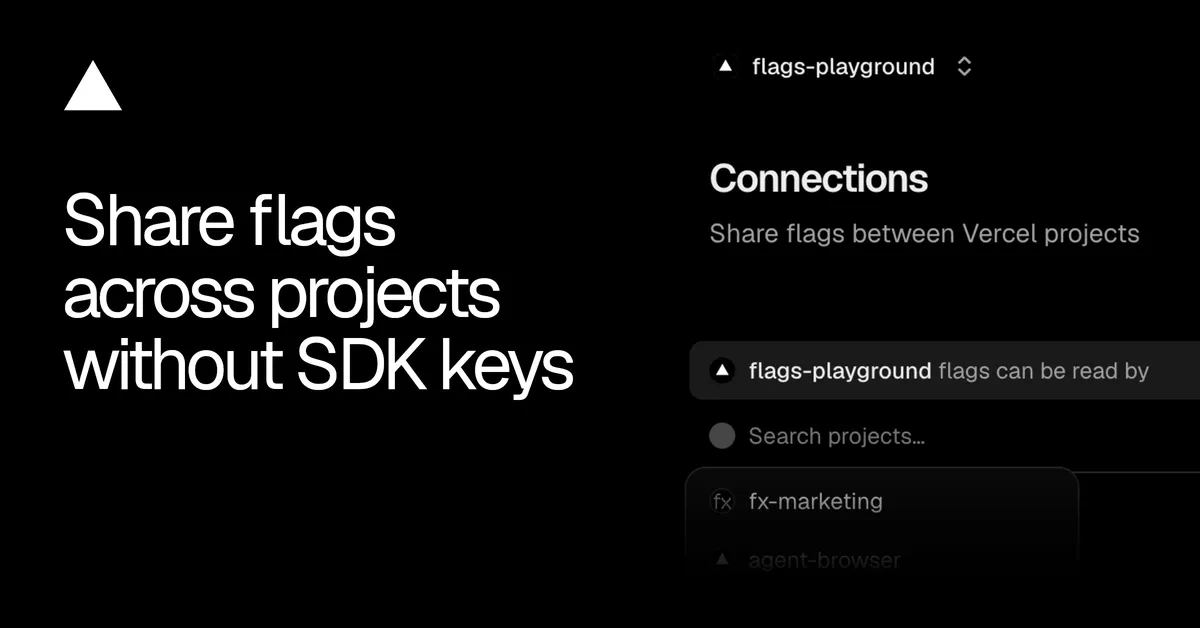
Vercel has introduced Project Connections, a feature that lets an application evaluate feature flags defined in another Vercel project within the same team, without managing SDK keys. Previously, teams had to copy a server SDK key into an environment variable and maintain it by hand.
- Project Connections let a Vercel project evaluate flags from another project in the same team without SDK keys.
- Connected projects authenticate with their deployment's identity; local development uses the OIDC token from vercel env pull.
- Access is read-only across all environments, and the consumer deployment decides the flag environment.
- Connections are managed on the Flags section's Connections page or via vercel flags connections, and can be revoked without redeploying.
- Available on all plans; requires @flags-sdk/vercel 1.6.0, @vercel/flags-core 1.11.0, and Vercel CLI 63.0.0 or later.
How Project Connections work
Project Connections let a project read flags that live in a different project on the same team. According to Vercel, connected projects authenticate using their deployment's identity, so no shared secret has to be stored or rotated by developers.
For local development, the vercel env pull command retrieves the project's OIDC token. Connections grant read-only access across all environments, while the consumer deployment determines which flag environment is evaluated. A production deployment, for example, evaluates production flags.
Vercel says access can be revoked without redeploying the consuming application.
Managing connections
Connections are managed from the Connections page under a project's Flags section, or through the CLI with vercel flags connections. The Connections page shows two things: which projects can read the current project's flags, and which projects the current project reads flags from. It also provides controls to add or remove connections.
In the consumer application, developers create an adapter with the source project's ID. Vercel's example uses createVercelAdapter from @flags-sdk/vercel, passing a projectId, and then attaches that adapter to a flag definition. In the example, a boolean flag with the key new-checkout and a default value of false is evaluated against the connected source project.
Availability and requirements
Project Connections are available on all plans. The feature has version requirements:
- @flags-sdk/vercel 1.6.0 or later, or @vercel/flags-core 1.11.0 or later when using the core library directly.
- Vercel CLI 63.0.0 or later to manage connections from the command line.
Further details are in the Vercel Flags documentation.
What it means for teams
Teams that run several Vercel projects and want a single place to define flags can now reuse those flags elsewhere without handling a server SDK key per consumer. Because authentication relies on the deployment's identity and access can be removed without a redeploy, the change reduces the manual key handling that the previous approach required. The read-only scope also means a consuming project can evaluate flags but not modify them, according to the source's description of the access model.