Vercel Schedules Lets Apps and Agents Change Jobs Without Redeploying
Vercel has introduced Vercel Schedules, a Public Beta service that lets applications and agents create, change, or cancel one-time and recurring schedules while an application is running. The service is designed to support work that changes in response to user requests, without requiring a redeployment.
- Vercel Schedules is now in Public Beta.
- Applications and agents can create, change, or cancel schedules without redeploying.
- Schedules supports one-time and recurring work through Queue topics.
- Developers can test scheduled tasks locally, in Preview, and in custom environments.
- Private functions can run on a schedule without being exposed at a public URL.
Schedules move beyond fixed cron jobs
Traditional cron jobs are defined in code and updated by changing configuration and redeploying. Vercel Schedules builds on the static approach used by Vercel Cron Jobs, but adds dynamic scheduling for applications that need to decide when work should happen during runtime.
A schedule tells Vercel when to trigger a task and where to send it, while the application supplies the code that performs the work. Static schedules can be stored in vercel.json or Build Output API configuration and synchronized during deployment. They can call private functions or HTTP paths, or send messages to Queue topics.
Dynamic schedules can be created and managed through the JS SDK, CLI, or API as an application runs. They support both one-time and recurring work through Queue topics.
A scheduling tool for agents
Vercel describes a use case in which a user asks an agent with web access to summarize the top five Hacker News stories “Tomorrow morning.” Instead of saving the request in a database and using a cron job to poll for tasks that are due, the agent can create a schedule containing the request and its execution time.
When the scheduled task is due, Vercel uses Queues to deliver the saved request to the application. The application can read it, check the user’s current permissions, and start the agent. The agent then fetches the stories with a web tool and returns a summary for the application to save.
Vercel says developers using fx’s JavaScript library, libfx, or Pi’s agent library can add a similar scheduling tool. The eve agent framework uses Vercel Schedules to provide dynamic scheduling tools for production agents hosted on Vercel.
Recurring jobs and testing before production
Schedules also supports recurring application jobs. Vercel’s example creates a private function that cleans up expired records every day at 2 a.m. in the America/New_York time zone. Vercel calls the function directly without exposing it at a public URL and checks that each call comes from the scheduling service.
Developers can create recurring schedules dynamically through the JS SDK, API, and CLI, or define them in project configuration. An experimental integration for the Nitro 3 server framework allows recurring jobs to run through its existing scheduledTasks configuration as private functions.
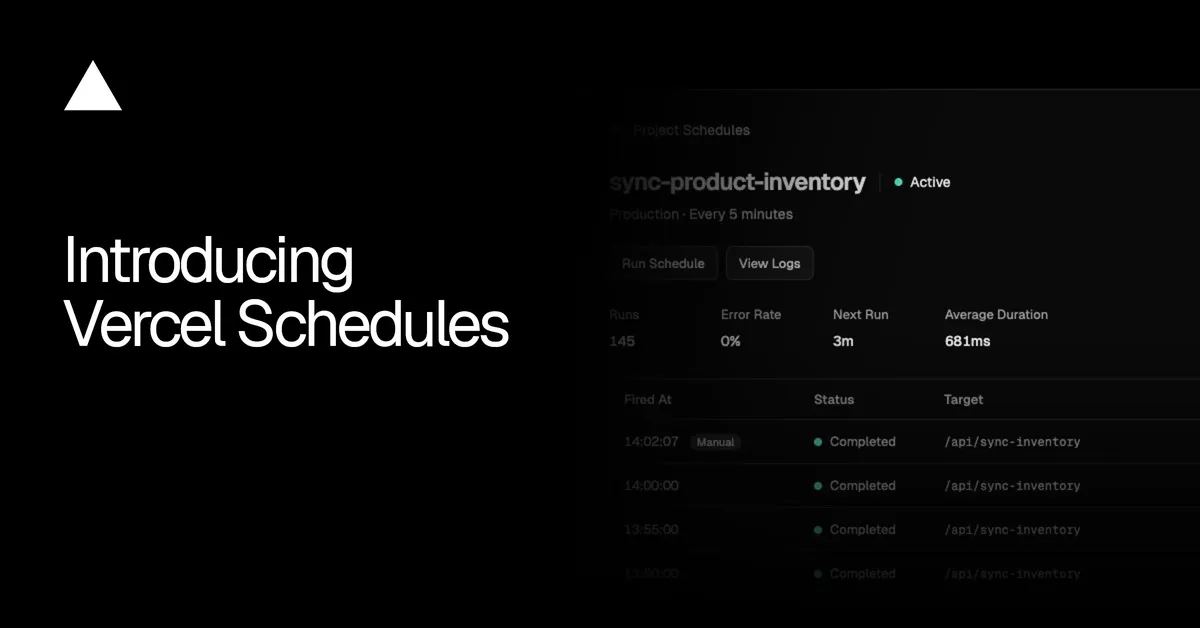
Scheduled work can be tried locally with vercel dev, then tested on a Preview branch or in a custom environment before production. The Schedules tab includes Run Schedule, which lets developers run a task without waiting and view previous executions.
Vercel Schedules is now in Public Beta. Vercel directs developers to its Schedules skill and documentation to get started, including for recurring tasks their applications already run.
Vercel: Introducing Vercel Schedules