Arize AX adds Cost Agent to trace down wasted LLM and agent spend
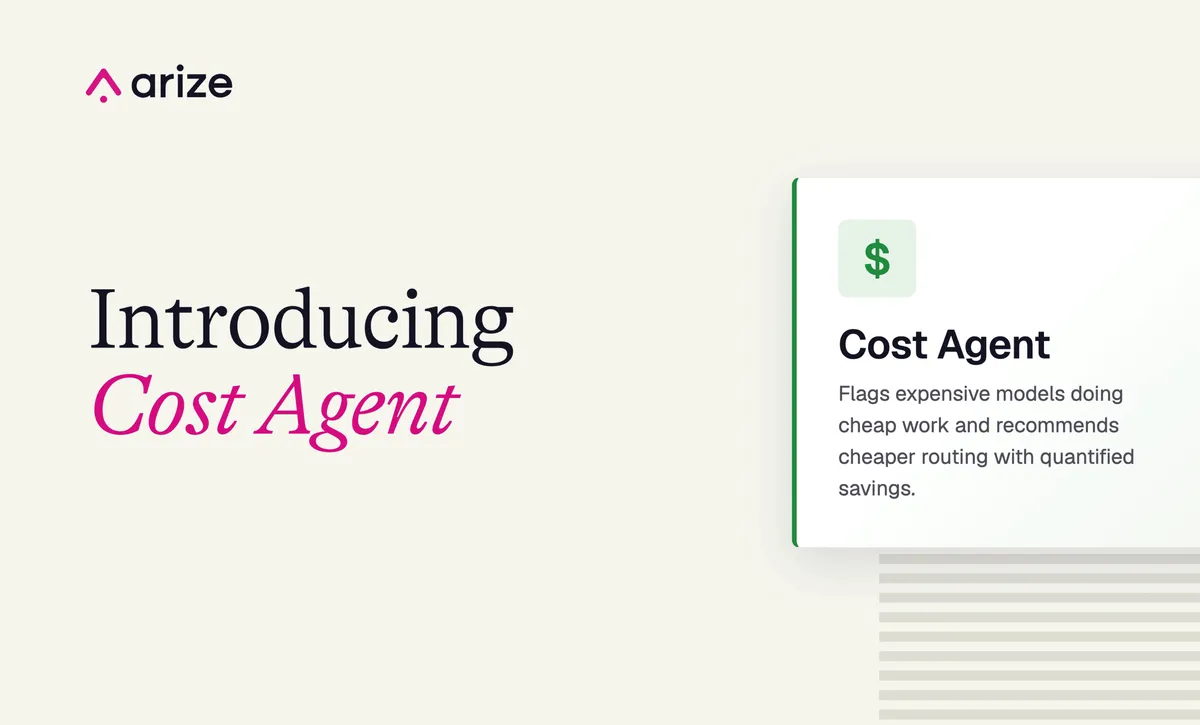
Arize AI has launched Cost Agent, a managed agent in Arize AX that analyzes application traces to find recurring sources of unnecessary LLM, coding agent and AI spend. It is available now to Arize AX Enterprise accounts.
- Cost Agent is a managed agent in Arize AX that analyzes traces for unnecessary LLM, coding agent and AI spend.
- It finds over-provisioned model tiers, duplicate calls, runaway retries and expensive prompts, and files ranked issues with estimated savings and fixes.
- Runs can be scheduled (weekly by default) or executed once as a session; an optional GitHub skill can open pull requests.
- Available to Arize AX Enterprise accounts with unlimited usage for now; usage-based pricing is coming.
What Cost Agent does
According to Arize, Cost Agent breaks spend down by model, task and time window, then files ranked cost issues. Each issue comes with the potential savings behind it and a proposed fix. One example given by the company is moving an agent eval judge to a cheaper model.
Findings are grouped by root cause. A recurring pattern therefore appears as a single issue instead of hundreds of individual expensive calls, according to Arize.
Four types of cost issues
Arize lists four categories of problems the agent looks for:
- Over-provisioned model tiers. When a costly model handles low-complexity work, the agent compares current spend with what the same call volume would cost on a cheaper tier.
- Redundant or duplicate calls. The agent counts the duplicates and adds up the cost they waste.
- Runaway retries. When a trace keeps calling the model after a failure, the agent reports the number of retries per trace and what they cost.
- Expensive prompts. Large prompts can come from growing context or oversized tool responses. The agent reports prompt-token percentiles and the marginal cost of the extra tokens.
Arize advises checking that a cheaper model holds up before switching, and points to its guide on validating lower-cost alternatives with evals.
How costs are calculated
If a span has a cost attribute, the agent uses it. Otherwise, Arize AX calculates cost from the span's token counts, using the configured pricing for that model and provider. Spans without enough information to calculate cost are excluded, and Cost Agent reports how many were left out. Users whose span attributes do not show cost should set up cost tracking before running the agent.
Running it in Arize AX
Each run analyzes one AX project and returns ranked opportunities to reduce spend, including the evidence, estimated savings and a proposed fix. Users start from Signal & Agents, then + New Agent, then Cost Agent, select a project and choose a mode.
- Automation run: runs on a schedule, weekly by default. Each run files ranked cost issues in the same place Signal files its issues, scoped to spend instead of correctness. Later runs can reconfirm existing issues without creating duplicates.
- Session run: runs once and returns the analysis in the transcript, with total spend for the window, a per-model breakdown, and ranked bottlenecks with a cost fix for each.
Before launching, users can edit the task prompt and add context about cost constraints and approved models. To let the agent open a pull request for a routing or config change, users can add the optional GitHub skill.
Availability and pricing
Cost Agent is available to Arize AX Enterprise accounts. Arize says Managed Agents, including Cost Agent, are currently offered with unlimited usage. Usage-based pricing is coming, and the company says it will share details before it takes effect.
For teams running LLM-powered applications and coding agents, the tool targets a concrete problem: finding which models, prompts and retry loops drive spend, and turning that into specific changes. Arize suggests enterprise users start by running it on their highest spend project.