Dropbox launches integration that brings its files into Microsoft Copilot
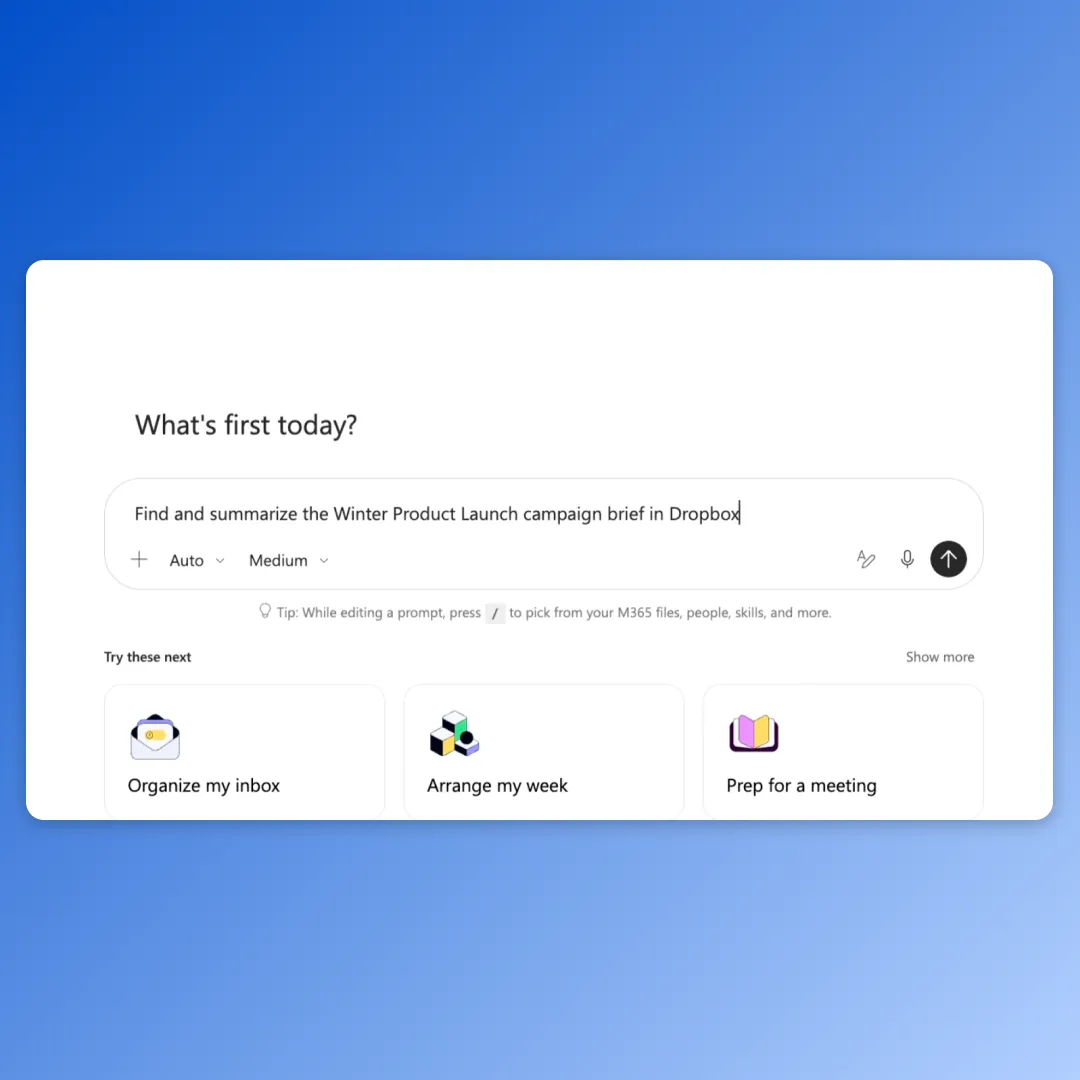
Dropbox has introduced Dropbox for Microsoft Copilot, an integration that lets teams use content stored in Dropbox inside Copilot to create new work across Microsoft 365. According to Dropbox, it is available now to customers on all Dropbox plans.
- Dropbox for Microsoft Copilot lets users find, open, summarize, organize and compare Dropbox content from Copilot.
- Supported text-based outputs, including CSV files, can be saved back to Dropbox and shared via links.
- Copilot can only access files and folders the user is already authorized to see; existing Dropbox permissions and admin controls still apply.
- Available now for customers on all Dropbox plans, though a Copilot license and extra access may be needed for Copilot Cowork.
What the integration does
Users can ask Copilot to find, open, summarize, organize and compare Dropbox content, then use that project context to produce new work in Microsoft 365 applications. Supported text-based outputs, including CSV files, can be saved back to Dropbox, and users can create shared links for collaborators.
Dropbox says the aim goes beyond easier file access. In its words, teams can use the context already stored in Dropbox without separating new work from "the sources, permissions, and controls their business relies on." Dropbox remains the home for source material and supported outputs, ready for review, sharing and the next task.
Examples from Dropbox
Dropbox gives two sample workflows. A marketing lead could reference an approved campaign brief, performance data and creative assets in Dropbox to identify key insights and create a Microsoft PowerPoint presentation based on the project's direction.
An architecture or construction team could reference project specifications and recent updates to identify changed requirements, prepare a stakeholder briefing, or generate a CSV for analysis in Microsoft Excel. That CSV can then go back into Dropbox for review and sharing.
The company says this continuity reduces manual handoffs, repeated context assembly, version confusion and avoidable rework.
Permissions stay in place
A central point in the announcement is access control. After a user connects and authorizes their Dropbox account, Copilot can only work with files and folders that person is already authorized to access. Dropbox states that existing permissions, sharing settings, team policies and admin controls continue to apply.
Connecting the integration does not give users broader access or change access to the source files, according to Dropbox. The company argues this matters when projects span departments, client teams and external partners, because people can use the context relevant to their work without making it available to everyone using Copilot.
Availability and wider AI strategy
The integration is available now for customers on all Dropbox plans. Dropbox notes that an appropriate Microsoft Copilot license and additional access may be required to use it in Copilot Cowork. Setup instructions are in the Dropbox Help Center.
Dropbox also says it connects project context to a growing range of AI tools, including Microsoft 365 Copilot, ChatGPT, Claude, Meta Muse and Google Gemini. For organizations that use different AI tools for different tasks, the company positions Dropbox as a consistent, customer-owned home for source material and outputs, so they do not have to rebuild project context or access controls in every new system.