Fivetran Puts Data Pipeline Work Into an AI-Native Terminal Loop
Fivetran is positioning its command-line interface as the data movement layer in AI-assisted pipeline workflows, linking connections, syncs and custom connectors with dbt and coding harnesses. The company described the approach in a blog post published November 10, 2026.
- Fivetran's CLI manages connections, schemas, syncs and custom connectors from a terminal.
- The CLI can work with dbt and coding harnesses including Claude Code, Codex and Gemini CLI.
- MCP servers provide task and operational context to the harness.
- Fivetran listed the CLI package at version 1.0.0 in its October 2026 status table.
A terminal interface for Fivetran
The Fivetran CLI gives engineers a text-based way to manage Fivetran from the terminal. According to Fivetran, users can create and update connections, configure schemas, trigger syncs, manage account resources, and build, test and deploy custom connectors from the command line.
Commands accept structured configurations and return machine-readable output. That allows them to serve as components in repeatable workflows, while the CLI's --help flag lets an agent discover available operations without reading endpoint documentation during a task.
Fivetran says installing fivetran-cli also installs the Connector SDK. The same executable can therefore be used for resource management and commands including fivetran init, fivetran debug and fivetran deploy.
How the tools fit together
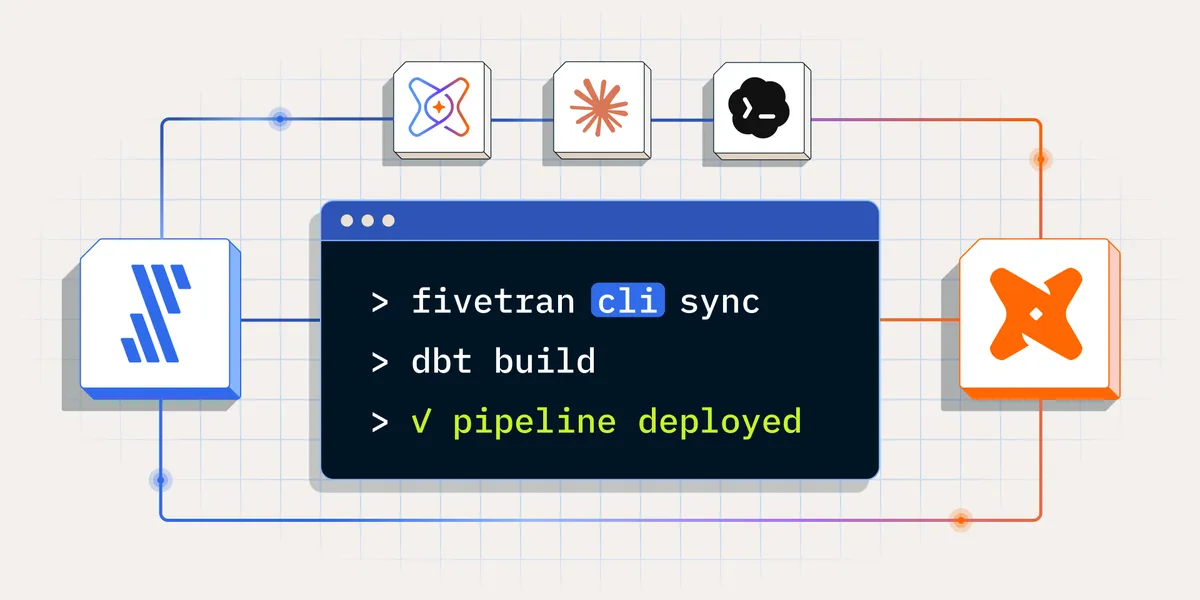
The workflow combines three roles. The Fivetran CLI moves data by creating connections, shaping schemas, triggering syncs and deploying custom connectors. dbt v2 builds and tests models, contracts and production-aware workflows. A harness such as dbt Wizard, Claude Code, Codex, Gemini CLI or Cursor coordinates the work.
Fivetran describes the harness as the glue between the tools. It calls commands, reads their structured responses and decides what to do next. The CLI and dbt remain independent of the harness driving them, with the same commands exposed to each supported harness.
The company distinguishes this approach from using an MCP server alone. MCP servers provide agents with context and tools, while the CLI gives them direct access to supported terminal commands. Fivetran says teams can use MCP for context and the CLI for action.
Tickets, failures and operational context
Fivetran's example starts with a task tracker connected through MCP. A request for a source, table or metric can be read from Jira, Linear, Asana or GitHub Issues, then implemented with the Fivetran CLI and dbt. The harness can link a pull request and post status back to the tracker.
Operational MCP connections can provide sync failures, alerts and logs from Datadog, Grafana, PagerDuty or another stack. Fivetran gives examples including fivetran beta webhook create-group for pushing sync events and fivetran beta log-service account create for routing logs. The harness can then inspect a failed connection, read the error and propose a fix.
What this means for data teams
Fivetran's proposal is designed to reduce the handoffs between tickets, pipeline configuration, model development and incident response. In the company's described loop, a ticket enters through an MCP connection, the harness builds the change, the sync runs, and failures become inputs for the next iteration. People review diffs at each step.
The Fivetran CLI package was listed as version 1.0.0 in the source's October 2026 status table, with resource commands under fivetran beta. The same table lists dbt as generally available since September 16, 2026, and dbt Wizard as generally available for the CLI, while its platform experience was in public preview.
Fivetran: Composing data pipelines in an AI-native workflow