Mintlify builds setup.md to help AI agents configure its platform
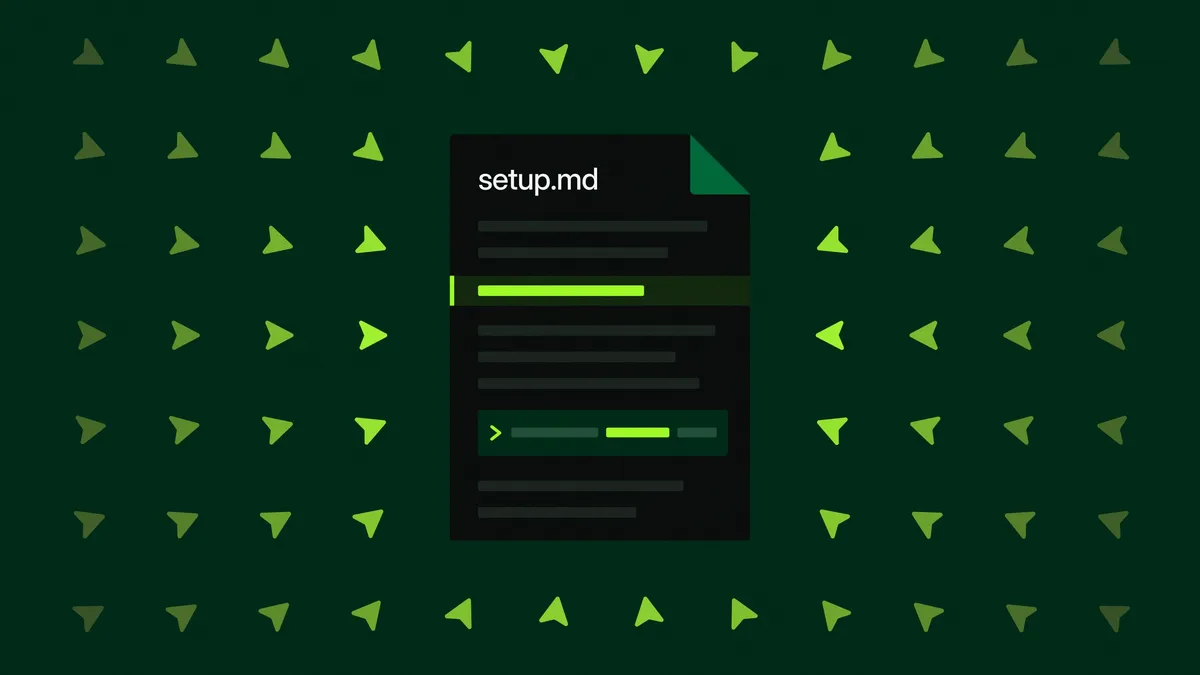
Mintlify has built setup.md, a single documentation page designed to help AI agents set up the platform without searching across multiple guides. The page distinguishes between hosted assistants that can only guide users and coding agents that can run commands and verify the installation.
- Mintlify created setup.md as a single page for AI agent onboarding.
- Hosted assistants receive connector instructions, while coding agents run and verify setup.
- The recommended command installs the Mintlify skill and adds the admin MCP server.
- The page separates private Base setup from public documentation site deployment.
- Agents can receive edge-case guidance and report failed setup steps.
One page replaces a scattered setup journey
Mintlify said it created setup.md after observing agents fetch several documentation pages, choose unsuitable commands and return lengthy instructions instead of completing onboarding. In one example, Claude.ai was asked to set up Mintlify for a team, but could not install anything. It fetched the quickstart, CLI reference and MCP page, then described three installation paths, including two that required a terminal the user did not have open.
Claude Code could run commands, but Mintlify said it sometimes called mint --help, fetched documentation more than once and assembled an installation through repeated round trips. In both cases, users could end up completing normal onboarding through the dashboard, removing the benefit of using an agent.
Mintlify said setup involves its CLI, Admin MCP server and editor, each of which previously had its own documentation page. The company’s docs URL benchmark found that a single link to llms.txt eliminated most agent 404s. It says setup.md applies the same idea to installation: a focused page can be more useful to an agent than a complete collection of separate documents.
The page first identifies the agent and the product
setup.md begins by asking whether the agent can edit files on the machine. Hosted assistants such as Claude.ai or ChatGPT are directed to walk users through adding the Mintlify connector in Claude or the Mintlify app in ChatGPT. Coding agents, including Claude Code, Codex, Cursor, Antigravity and Grok Build, are told to perform the setup, verify it and explain what changed.
For the three most common clients, Mintlify provides a single command:
npx -y mint@latest agent setup --global --agent claude-code
According to Mintlify, the command installs the Mintlify skill and adds the mintlify-admin MCP server to the agent’s configuration. The page also includes separate instructions for cases where the shortcut does not apply.
Before installation, the agent asks what the user is building. A private knowledge base is treated as a Mintlify Base and can be created with mint deploy --base, while a public documentation site uses mint deploy. Mintlify says an account is not needed until a Base is claimed.
Shorter handoffs and guidance for setup failures
Mintlify said agents often overwhelm users with repository URLs, organization IDs, subdomains, file paths and token expiry timestamps. setup.md instead tells them to share the essential information and give the user two or three sentences about the next action, such as opening a claim link, signing in with any account and selecting Confirm.
The page also addresses cases that can interrupt onboarding. For Claude Code’s auto mode, it gives instructions for unblocking installation when the mode prevents it. It warns that a new MCP configuration requires a fresh session, helping agents avoid restarting before setup is finished.
Users can report a failed setup step with a Mintlify CLI feedback command. Mintlify says those reports go to its team and feed into its development loop. The page is available at mintlify.com/docs/setup, and the Markdown version is intended for agents to fetch. Teams can also add a line to their root AGENTS.md telling agents to read the page first.
Mintlify: We built one page to help AI agents set up Mintlify