GitLab 19.6 adds agent audit controls, web search and faster diffs
GitLab 19.6 is now available with new controls for AI agent activity, web search in GitLab Duo Agentic Chat and a faster merge request diff experience. The release also expands automation and agent capabilities across GitLab.com and self-managed offerings.
- MCP server agent actions now create audit events.
- Owners can deny, approve or allow MCP server tools.
- Rapid Diffs is generally available and shows the first file in about 1.5 seconds.
- GitLab Duo Agentic Chat adds web search and the /goal command.
- Scheduled automations run flows from every 15 minutes to monthly.
More visibility and control for AI agents
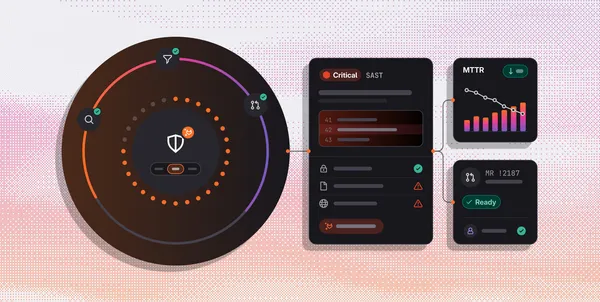
Every action an agent takes through the GitLab MCP server now creates an audit event. The event records who performed the action, what they did, which resource was affected and when it happened. GitLab also marks the event as coming from the MCP server, helping teams distinguish agent activity from actions taken directly by people.
Security and compliance teams can review these records under AI > Governance in a top-level group. GitLab 19.6 also adds rules for controlling which MCP server tools AI agents can use. Top-level group Owners can set individual tools to Always Deny, Always Ask or Always Allow. The tool governance feature is in beta.
Web search is now available in GitLab Duo Agentic Chat. When enabled, the chat can search the web and read pages for current answers, such as information about package versions or security advisories. Web search is off by default, and each search creates an audit event.
Faster reviews and longer-running development tasks
Rapid Diffs is now generally available and replaces GitLab’s classic diff view. GitLab says it renders diffs on the server and streams them to the browser, allowing the first file to appear in about 1.5 seconds, compared with about 4.5 seconds previously. Browser search works immediately, while file-by-file mode, marking files as viewed, full-file view, commit-by-commit navigation, keyboard shortcuts and image comments remain supported.
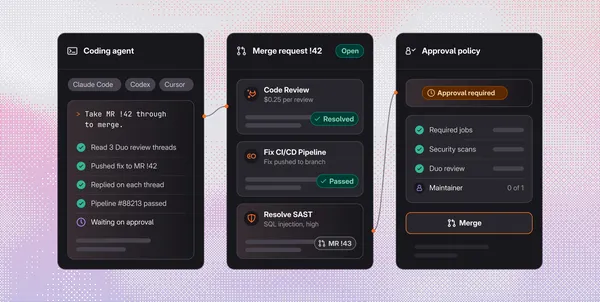
GitLab Duo Agentic Chat also gains the /goal command. A goal starts a Developer Flow session that continues working until the task is done, rather than requiring a prompt after every step. The flow can commit, push and create merge requests without asking for approval for each action, and each goal uses compute minutes.
Workspace subagents, previously an experiment, are now generally available. They can keep task details such as linter output outside the Developer Flow context or operate as separate agents with their own instructions and limited tools.
Automation and collaboration updates
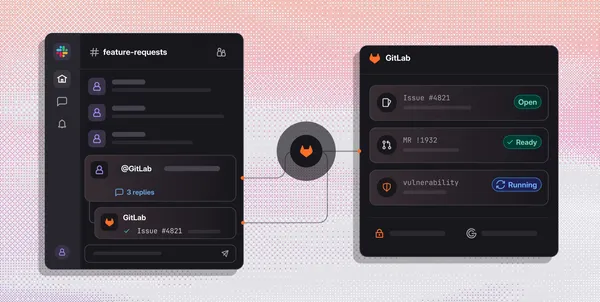
GitLab Duo in Slack has entered limited availability on GitLab.com for Premium and Ultimate users. By mentioning @GitLab in a channel or thread, users can turn a conversation into an issue, summarize a discussion, search for issues and merge requests, or ask questions about projects. GitLab Duo uses the conversation as context and posts the result back in Slack.
Scheduled automations, in beta, allow flows to run at intervals ranging from every 15 minutes to monthly. Each scheduled automation runs as a dedicated service account with a scoped role, so its actions are attributed to that account rather than a person. GitLab also redesigned the Automations page to bring scheduled and event-based automations together with run history, success rates and session details.
GitLab 19.6 was released on November 19, 2026. GitLab advises users to review the upgrade notes and the deprecations and removals before upgrading. Together, the release’s audit records, approval rules and service-account attribution give teams more ways to govern automated work, while its agent and review features aim to reduce manual steps in development workflows.
GitLab: GitLab 19.6 released