Mintlify's mint deploy lets AI agents publish docs sites without an account
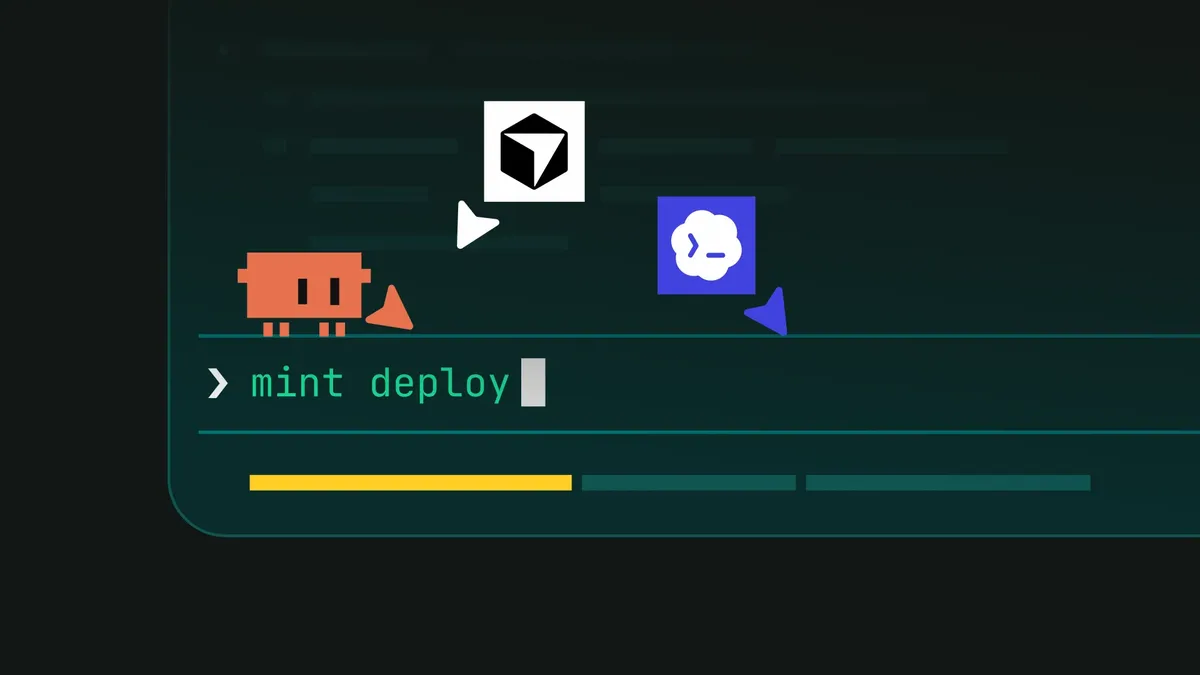
Mintlify has released mint deploy, a CLI command that lets an AI coding agent publish a live documentation site from the terminal without an account or a GitHub repository. The person then has 24 hours to claim the site, according to the company.
- Mintlify's new mint deploy command lets an agent publish a live docs site from the terminal without an account or GitHub repository.
- The site goes live at a subdomain on mintlify.site, and the user has 24 hours to claim it before it is deleted.
- Deploying is free; claiming a first Mintlify site starts a Pro trial, according to Mintlify.
- It works with any agent that can run shell commands, npm and Git, including Claude Code, Cursor and Codex.
- Agents can discover the flow through mintlify.com/auth.md, based on an open WorkOS protocol.
Removing the human handoff
Agents such as Claude Code, Cursor and Codex can write documentation pages for a repository in minutes, Mintlify says. Publishing them was a different story. In the company's own evals, agents built the site locally, reached the signup step, then told the user to finish the flow in a browser. Email verification and GitHub setup were steps only a human could complete.
According to Mintlify, mint deploy removes that handoff. The agent can publish the site and then send the user a link to claim it.
How the deployment works
From the folder that holds docs.json, the agent runs two commands: npm i -g mint and mint deploy --subdomain acme. The CLI creates a Mintlify-hosted Git repository and returns a short-lived write token. The agent pushes the docs, and the site goes live at acme.mintlify.site.
Teams that want their docs in an existing GitHub repository can use mint deploy --github --subdomain acme instead. This writes a GitHub Actions workflow that updates the site when someone pushes to the default branch. If the docs sit in a subdirectory, the --directory option covers that.
Agents can also find the process on their own. Mintlify points to mintlify.com/auth.md, which follows an open protocol from WorkOS describing how an agent can register with a service and hand the resulting account to a person. Mintlify's file describes the flow as raw HTTP requests, so agents that cannot install the CLI can still register, provision a site and hand it over through the claim page.
Claiming the site
The site is already live when the claim flow starts. Claiming moves it into the user's Mintlify dashboard for ongoing management. The steps are:
- The agent needs the user's email to run mint claim --email [email protected].
- The user opens the claim link and signs in or creates an account.
- The user copies the code shown on the page and pastes it back to the agent.
- The agent completes the claim with mint claim --code 4F7K-9QX2.
Claiming makes the user an admin of the site's organization. Users who already have a Mintlify account sign in and see the site in their dashboard. Those in several organizations may be asked to choose one.
Unclaimed sites expire 24 hours after creation and are deleted along with their hosted repository. To start over, the user runs mint deploy --new --subdomain <name>.
Cost, compatibility and what it means
Deploying is free, Mintlify says. If it is the user's first Mintlify site, claiming it starts a Pro trial. The flow works with any agent that can run shell commands, npm and Git, including Claude Code, Cursor and Codex.
After claiming, a site can be moved to a personal GitHub repository through the Git settings in the dashboard. The mint deploy --github option only works for sites that have not been claimed yet.
For developers who already delegate documentation writing to an agent, the change means the whole path from prompt to live URL can run in one session. The person only steps in at the end to claim the result. Mintlify also supplies a sample prompt that tells the agent to install the CLI, publish the docs, check that the site loads, send the live URL and remind the user to claim the site within 24 hours.
Mintlify: Your agent can now publish your docs