n8n Adds Agents That Plan Their Own Steps and Use Workflows as Tools
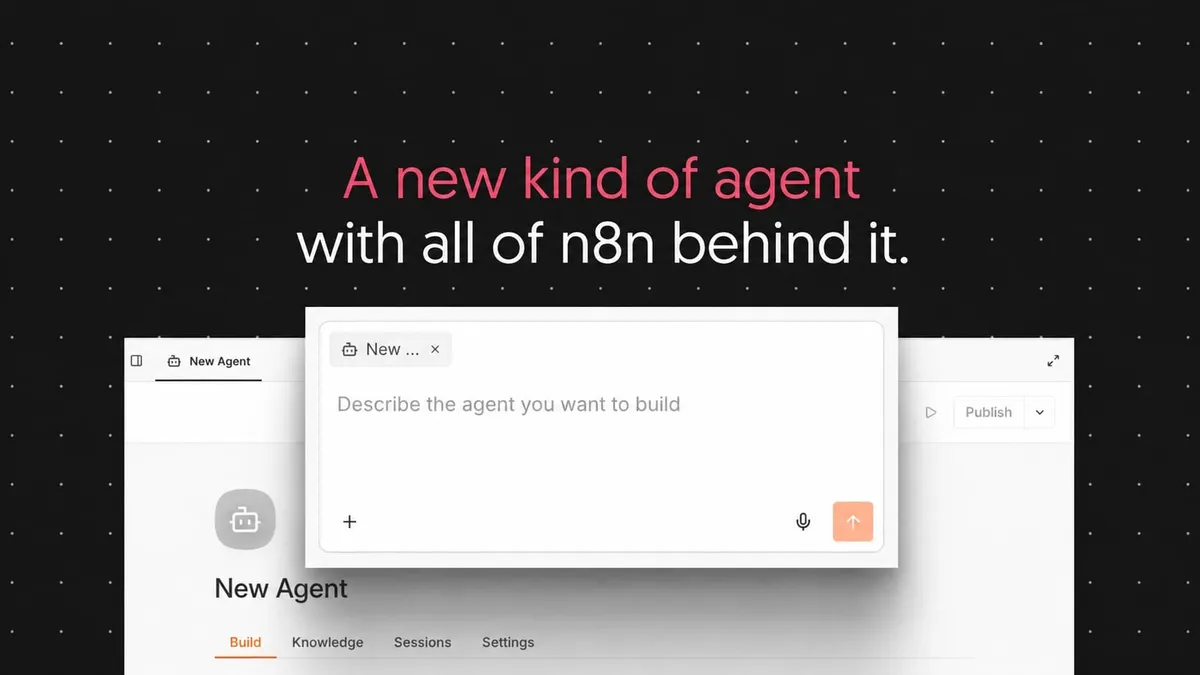
n8n has introduced Agents, a feature where users describe what an agent should do, pick a model and tools, and let it work out the steps itself. According to n8n, agents sit next to existing workflows and can use them as tools, while a new Message an Agent node lets workflows call an agent.
- n8n Agents let users describe a goal, choose a model and tools, and have the agent work out the steps.
- Existing workflows can be used as agent tools, and the new Message an Agent node lets workflows call an agent.
- Agents support Slack, Telegram, Linear, Discord and schedules, plus memory, sessions, skills and sub-agents.
- Sensitive tools can require Approve or Reject, and each tool runs with its own credential.
- The existing AI Agent node is unchanged, according to n8n.
What n8n Agents do
According to n8n, you give an agent a description of its job, a model, and the tools and workflows it may use. It can then be reached in Slack, run on a schedule, or called from any workflow, and it is the same agent in each place. n8n says you can build one without first learning how workflows work.
The company positions agents for open-ended or back-and-forth jobs that would be complicated to build as a fixed workflow. Its example is a Slack question about why a customer's usage dropped last month. Answering takes several rounds: pulling the account, asking which product line is meant, checking support history, and returning a summary with a follow-up question. Because each step depends on the previous answer, the process cannot be laid out in advance.
Fixed workflows remain the better fit for sequences such as enriching, scoring and routing a lead. Users who already work with the AI Agent node are not affected. n8n says nothing about it has changed and everything built so far keeps working.
What goes into an agent
n8n lists the components of each agent:
- Model: any model the user has credentials for, or n8n's Gateway credits.
- Instructions: role, tone, what it should and shouldn't do, and which tools to prefer.
- Channels and triggers: Slack, Telegram, Linear, Discord, or a schedule.
- Tools: built-in n8n integrations, MCP servers, and any workflow.
- Skills: reusable instructions and reference files, shareable across agents.
- Sub-agents: one agent can call another.
- Knowledge: uploaded csv, pdf, markdown or txt files, available on n8n Cloud, plus vector stores.
- Memory and sessions: memory holds the session conversation by default and can persist across sessions. Every conversation is stored, reviewable and can be resumed.
Each session shows every step the agent took, which tools it called, and the input and output of each call. n8n compares the approach to a pre-built PC versus building your own: memory, sessions, channels, versions and approvals come with every agent, and it can still be extended with any tool or workflow.
Workflows as tools, with approvals
Agents can use three kinds of tools: MCP servers, n8n tools and nodes, and workflows. MCP servers are the quickest to set up, since connecting a service gives the agent all its tools at once, and unwanted tools can be excluded. n8n tools and nodes take more setup but allow more control over exactly what the agent can do. Workflows run a whole existing process exactly as defined.
n8n's example is a support agent with three workflows as tools: one that gets account context, one that adds a note to an account, and one that pages on-call. The agent decides when each runs, but what happens inside each workflow is fixed. The company points out a security benefit: with a note-adding workflow, the agent never holds the CRM credential and can only add a note.
Further controls include approvals, where a tool marked as sensitive makes the agent pause for Approve or Reject, and per-tool credentials. Access to the agent follows n8n roles. For anything sensitive, n8n advises starting with scoped tools, a test channel, and approvals on any action that writes to a system of record.
Team use and agents inside workflows
One agent can be connected to Slack for the whole team, put on a schedule, or called from an intake workflow. Changing the instructions once and publishing updates every place it is connected. Drafts can be edited and previewed while the team keeps using the published version, and users can restore, revert or unpublish. Sessions and execution logs record inputs, tool calls, outputs and errors.
In the other direction, the new Message an Agent node sends an agent a message built from workflow data and passes the answer to the next node. The agent brings its own instructions, tools and memory, and updates to the published agent reach every workflow that calls it.
To start, users open the Agents tab and click Create Agent, or describe the goal to n8n Assistant, which picks between a workflow and an agent. The source does not mention pricing or plan availability beyond the Cloud note on knowledge uploads.
n8n: Introducing n8n Agents