Picsart adds Ideogram Vector and Vectorize for AI-made SVG files
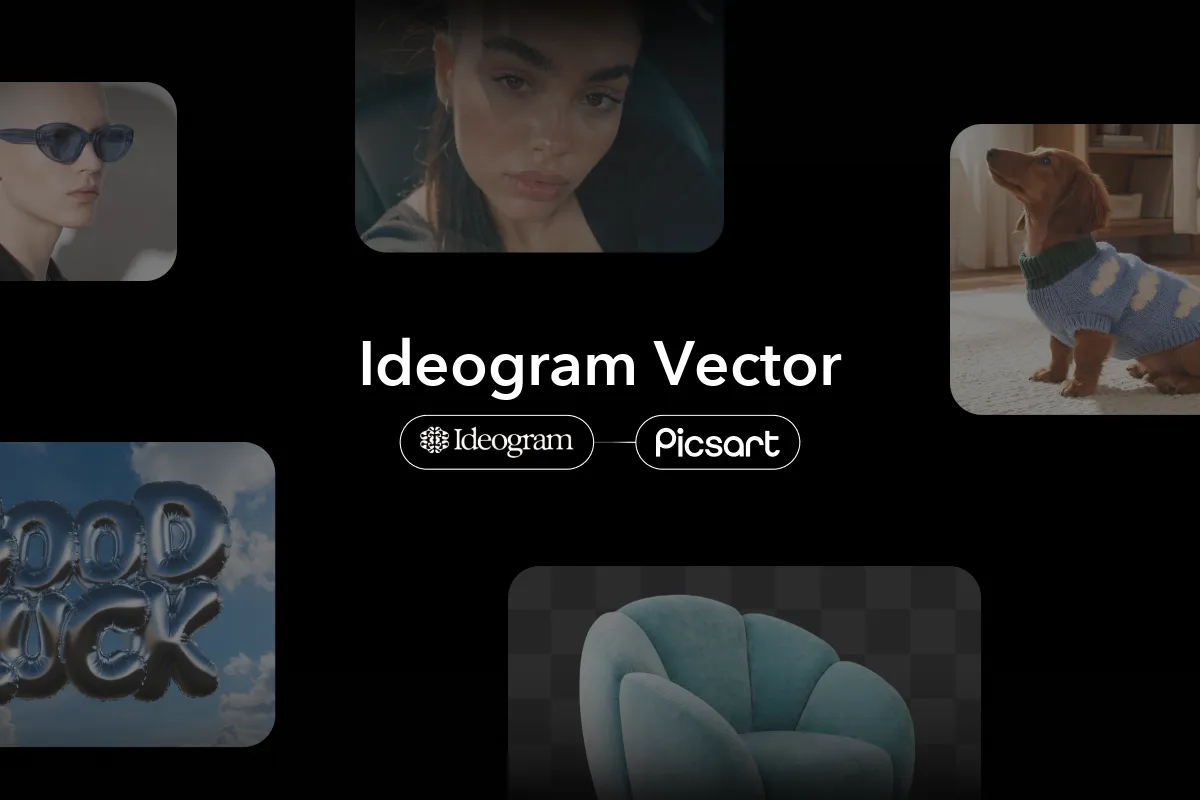
Picsart has added two Ideogram models to its AI Playground that output SVG files instead of pixel images. Ideogram Vector generates logos, icons and illustrations from a text prompt, while Ideogram Vectorize converts an existing JPEG, PNG or WebP into a vector with no prompt at all.
- Picsart's AI Playground now includes Ideogram Vector and Ideogram Vectorize, both of which output SVG files.
- Ideogram Vector creates logos, icons, lettering and illustrations from a prompt and accepts up to five reference images.
- Ideogram Vectorize traces a single JPEG, PNG or WebP into an SVG and needs no prompt.
- Picsart says SVG output scales without losing sharpness, can be recolored and can be edited shape by shape in a vector editor.
Two models, one output format
According to Picsart, most image models return pixels, which works for a social post but causes trouble for a logo that has to appear on a business card, a shop window and a tote bag. Ideogram Vector and Ideogram Vectorize skip the pixel stage and deliver vector artwork built from shapes and paths.
The difference is the starting point. Ideogram Vector begins with a text prompt and accepts up to five optional reference images. Ideogram Vectorize begins with one source image in JPEG, PNG or WebP format and needs no prompt. Both return an SVG.
Picsart positions Ideogram Vector for new logos, icons, lettering and illustrations, and Ideogram Vectorize for converting artwork that already exists.
How Ideogram Vector works
Ideogram Vector takes a prompt and returns editable SVG artwork. Picsart says the model leans heavily into typography, covering script words, slogan lettering, letters bent into shapes and engraved-line type. It also handles flat illustrations and compact logo marks.
Reference images give the user more precision. Up to five can accompany the prompt. The first acts as the primary source and the rest add supporting direction. Picsart gives the example of a hand-drawn napkin sketch in the first slot with two color swatches behind it, supplying a layout and a palette. Aspect ratio is set for each generation, with auto as the default.
Picsart advises that good prompts name the subject, the lettering style, the palette and the background in plain terms. Its sample prompts include a circular badge logo for a bakery, a flat illustration of a cyclist on a coastal road at sunset, and a set of six minimal line icons for a travel app.
Ideogram Vectorize and the case for SVG
Ideogram Vectorize has one input and no prompt box. The user uploads an image and the model traces it into a clean SVG. Picsart describes the obvious use as rescue work: a small business whose logo survives only as an old low-resolution PNG, a hand-lettered sign photographed on a phone, or a sticker design saved only as a flat image.
Picsart argues that SVG is worth more than a PNG of the same design for three reasons:
- Scale: a vector describes artwork as math, so edges stay crisp from a small product label to a wall poster. A PNG enlarged to poster size turns soft and blocky, which is why print shops ask for vectors.
- Color: every fill is a value that can be changed, so a design generated in teal can be moved to a brand palette, a seasonal colorway or a single-ink version for screen printing.
- Control over parts: each shape is its own element, so a vector editor can select one leaf, one letter or one star and move, resize or delete it.
The company says this makes an AI result a starting draft that a designer can finish, rather than a flat image to accept or reject.
Workflow and what it means for users
Picsart lists five kinds of work for the models: typography, illustrations, logos and branding, print and merchandise, and labels and stickers. For a brand logo built around a business name with guided style choices, it points to its AI logo generator as a more structured option, and says Ideogram Vector is the pick when the deliverable must be a true vector file from the start.
The process runs inside the Picsart AI Playground in six steps: open the Playground and choose Ideogram Vector or Ideogram Vectorize, write the prompt, add up to five references, set the aspect ratio, generate and review, then save the SVG and open it in a vector editor to recolor, resize or refine individual shapes.
For designers, small businesses and merch makers who need print-ready files, the addition means a prompt or an old image can become a scalable, editable vector inside one tool. Picsart's source does not give pricing or usage limits for either model.
Picsart: Ideogram Vector explained: SVGs from a prompt or a photo