PowerToys adds Mouse Button Lock, CursorHide and a Command Palette shelf
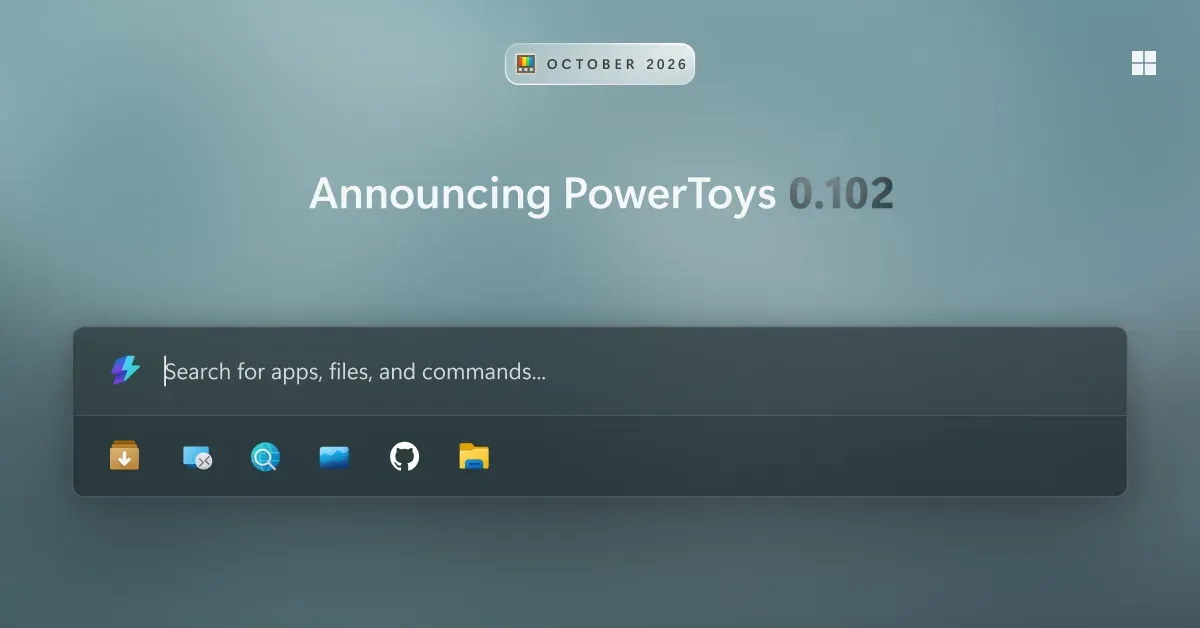
Microsoft has released a new PowerToys version with two mouse utilities, Mouse Button Lock and CursorHide, plus a quick-access shelf for Command Palette and snip dictation in ZoomIt. The update also adds command-line tools for automating several modules and new remapping options in Keyboard Manager.
- PowerToys adds two mouse utilities: Mouse Button Lock and CursorHide.
- Command Palette gets a quick-access shelf with Alt+1 to Alt+9 launching pinned commands.
- ZoomIt can transcribe speech on the device and paste it together with a snip.
- New command-line tools cover Advanced Paste, Light Switch, Settings, Peek and PowerDisplay.
- Keyboard Manager adds tap-alone remaps, and Color Picker and Text Extractor move to WinUI 3.
Two new mouse utilities
Mouse Button Lock is meant for long drags and selections. According to Microsoft, users press and hold a button for a moment and then let go, and Windows keeps treating it as held until they click any button. Microsoft says this helps in gaming, in professional applications that need extensive dragging and selection, and for users who find it difficult to hold down a mouse button for long periods.
CursorHide is the second utility. It hides the mouse pointer while the user types, after a period of inactivity, or both, and shows it again as soon as the mouse moves.
Command Palette gets a quick-access shelf
The shelf builds on the compact mode introduced in version 0.101. When it is enabled under Settings > Appearance > Compact mode, pinned commands appear below the search box while the palette is collapsed. Users can launch them with Alt+1 through Alt+9, or select one without running it using Alt+Shift+number. Pins can be reordered by dragging, and recent commands and apps can optionally be shown next to them.
Microsoft lists several other Command Palette changes:
- Settings search: fuzzy search finds options, extensions, commands, aliases and assigned shortcuts.
- Keyboard-first Dock: Win+Alt+J focuses the dock so users can move between items by keyboard.
- Copilot key support: Command Palette can be chosen as the Copilot key app in Windows Settings, and pressing the key again toggles the palette.
- Multiple clocks: several dock clocks can be pinned, each with its own time zone and format.
- Language and links: users can pick an app language and copy links that open a page, run a command or jump to a setting.
Microsoft also mentions sharper app icons, faster grid and gallery browsing and clearer nested menus.
ZoomIt dictation and command-line tools
ZoomIt can now capture speech along with a screenshot. After turning on Snip with dictation in the settings, users press Space while dragging out a snip and describe what they are capturing. ZoomIt transcribes the speech on the device, and one paste delivers both the image and the text. The microphone selected under Record is used. ZoomIt also gains smooth zoom transitions, better audio pacing in recordings and a fix for silent recordings on multichannel and spatial-audio devices.
More of PowerToys can now be scripted from the terminal:
- Advanced Paste: runs built-in and custom actions without the UI, using files, stdin/stdout or the clipboard. AI actions use the configured providers and policies.
- Light Switch: checks status, sets or toggles the theme and manages schedules, with JSON output.
- Settings: shows which utilities are enabled and can switch them on or off even when PowerToys is not running.
- Peek: previews multiple files and folders from the command line.
- PowerDisplay: JSON Lines output for scripts.
Commands for FancyZones, Image Resizer, File Locksmith and PowerDisplay now work from any terminal folder because they are on the PATH.
Keyboard Manager and other changes
Keyboard Manager now supports tap-alone remaps: tapping a key by itself triggers a different action, while the key still works normally in shortcuts and mouse combinations. Large remapping lists get search, modifier and app filters, and bulk deletion. The editor has a searchable key picker that covers media keys and keys a keyboard does not have, and shortcuts can be built with the mouse alone. IT admins can deploy and export remapping profiles with DSC v3.
Color Picker and Text Extractor move to WinUI 3, and Microsoft says existing shortcuts and settings carry over. Other changes include mouse-wheel layout switching in FancyZones while dragging a window, read-only SQLite previews in Peek, and a Remove duplicates action in Environment Variables that cleans up PATH while keeping the original order. Shortcut Guide gains shortcuts for Claude Desktop and Ableton Live, and Workspaces now asks for confirmation before launching an unverified app configured to run as administrator.
What it means for users
Users can get the update by checking for updates in PowerToys or from the release page. According to Microsoft, the release leans on automation and keyboard-driven workflows, with more modules scriptable from the terminal and Command Palette reachable by shortcut or the Copilot key. Full release notes are available on the PowerToys GitHub repository.
Microsoft: New PowerToys utilities make everyday Windows tasks easier