Snowflake brings governed AI agent CoCo to Excel and Google Sheets
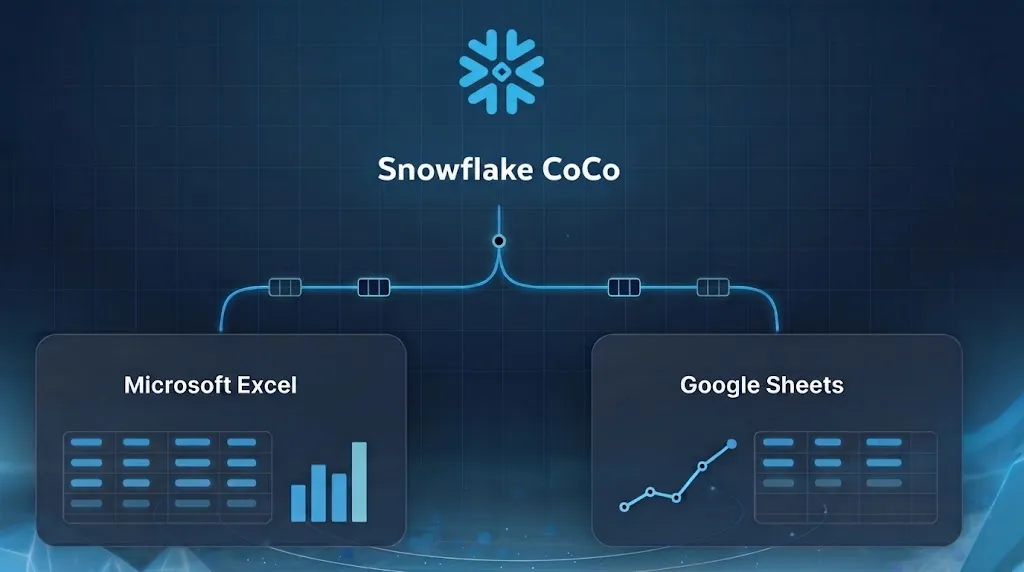
Snowflake is bringing its CoCo coding agent for data teams to Microsoft Excel and Google Sheets, allowing users to work with governed Snowflake data from familiar spreadsheet interfaces. The company says CoCo can use natural language to build workbooks with native formulas, charts and pivot tables.
- CoCo is coming to Microsoft Excel and Google Sheets.
- It queries Snowflake data using users’ permissions and existing access policies.
- Users can build formulas, charts and pivot tables with natural language.
- Excel supports automatic refresh when a workbook is opened.
- Snowflake compute supports analysis beyond spreadsheet limits.
A spreadsheet interface for governed Snowflake data
Snowflake CoCo for Excel and Google Sheets creates and runs queries against Snowflake data using the user’s permissions. It then builds workbook content using cells as context, removing the need for traditional connectors, according to Snowflake.
After signing in, CoCo uses the selected or default Snowflake role to limit access. Snowflake access controls, masking and row access policies apply to the results written to a spreadsheet. The company also says queries benefit from Snowflake context including Semantic Views, Business Ontology and Snowflake Cortex Sense.
That approach addresses a problem Snowflake identifies with common spreadsheet workflows. CSV exports create disconnected local copies, while ODBC and third party connectors require support from data or IT teams. The company says these methods can create data silos, governance challenges and inconsistent analysis.
Live refresh and workbook-aware analysis
CoCo saves query text in the workbook’s settings when it pulls data. Users can refresh manually with a button or the /refresh skill. In Excel, workbooks can also refresh automatically when opened, allowing executives to access the latest data without clicking or configuring a refresh.
If a query changes, including because it returns a different result size or a different set of columns from a SELECT * statement, CoCo updates the workbook while keeping existing data, formulas and assets intact. Snowflake says the saved queries also make it easier to see which data assets were used and reconcile different answers across workbooks.
Rather than returning answers only in a side panel, CoCo generates output directly in the spreadsheet. In Excel, users can call supported Snowflake Cortex AI functions in cells, including CORTEX.CLASSIFY and CORTEX.SUMMARIZE. The agent can also select chart types, create interactive visualizations, build pivot tables, and apply conditional formatting, number formats and data validation rules.
Designed for large data and existing workflows
Snowflake says CoCo can use Snowflake compute for data modeling and aggregations when building pivot tables. This allows it to work with source data larger than Excel’s 1 million-row limit and Sheets’ 20 million-cell limit, while complex queries run inside a Snowflake warehouse rather than directly in the spreadsheet interface.
The tools are designed to combine workbook-specific actions with Snowflake object discovery and semantic information. Users can provide their workbook, data and skills as context, while Business Ontology helps ground analysis in company definitions and relationships. Snowflake says Cortex Sense helps cover additional data assets for ad hoc analysis.
Matt Wyman, vice president of information technology at The Chefs’ Warehouse, said in Snowflake’s announcement that “CoCo for Excel’s performance and capabilities are impressive.” He added that the company’s analysts can use it “without training.” Snowflake’s announcement positions the integrations as a way to bring agentic spreadsheet work to analysts without requiring them to learn a separate tool.
Snowflake: Snowflake CoCo for Excel and Google Sheets: Governed AI