ThoughtSpot brings its Spotter AI analyst into Slack and Microsoft Teams
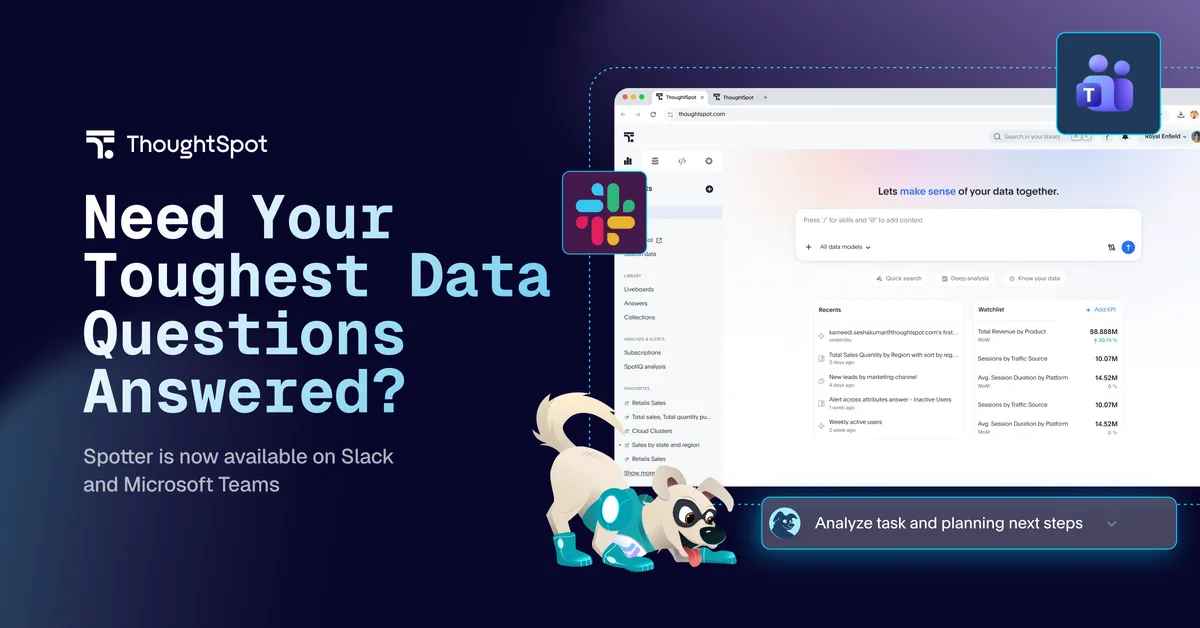
ThoughtSpot has made Spotter, its AI analyst, available as an app inside Slack and Microsoft Teams. According to the company, teams can now ask complex data questions in the channel where a decision is being discussed and get answers from governed data models.
- ThoughtSpot's Spotter AI analyst now runs as an app in Slack and Microsoft Teams.
- Answers come from governed data models and name the model they used.
- Spotter answers under the permissions of the person who asked, including row-level rules.
- On Teams, Spotter is also an agent in Microsoft 365 Copilot and does not consume Copilot licenses or credits, according to ThoughtSpot.
- It is available to all customers by default; each person connects their account once from their ThoughtSpot profile.
Answers inside the thread
Spotter can be added to a channel, a group chat or a direct message and mentioned like a colleague, ThoughtSpot says. It answers from the customer's governed data models, directly in the message thread. Every answer names the model it came from, so readers can check the number.
The company frames the launch around what it calls the Thursday problem. A question comes up in a channel on Tuesday, the analyst returns the answer on Wednesday, and by then a plan may already rest on the most confident opinion in the room. In ThoughtSpot's telling, the data existed and the BI platform could have produced the cut, so the issue is timing. It says this costs twice: teams commit plans without a reliable number, and analysts spend time on one-off cuts that are discarded after a single meeting.
More than a lookup
ThoughtSpot distinguishes retrieval from analysis. A question such as "What were EMEA renewals last month?" is retrieval, the post says. Teams more often ask why numbers fell and whether the same accounts were involved as last quarter. According to ThoughtSpot, Spotter handles trends, comparisons, contributing factors and forecasts at whatever cut the decision needs, without a view being built first.
- Users do not need to pick a data model. Spotter selects the most relevant one, and a chat can be scoped to a single model for tighter control.
- If Spotter is mentioned twenty messages into a thread, it reads the earlier conversation. On Teams, thread context requires administrator permission. Every number still comes from the governed models.
- Answers arrive as native charts and tables. Users can also ask for a PDF to circulate or a CSV to use in a forecast model.
On Teams, Spotter is also an agent inside Microsoft 365 Copilot. ThoughtSpot says it does not consume Copilot licenses or credits, because it brings its own reasoning and its own connection to the customer's models.
Permissions follow the person asking
Spotter answers under the permissions of the user who asked. Metric definitions and row-level rules are defined once in ThoughtSpot and applied per person in every group discussion, according to the company. An answer posted in a channel is visible to everyone in it, which ThoughtSpot compares to pasting a screenshot.
A colleague who wants to dig deeper starts their own conversation with Spotter, and it answers under that person's permissions, never the original asker's. ThoughtSpot contrasts this with assistants wired through one shared service account, which it says must choose between over-sharing every answer and staying in private chats.
Availability and what it means
Spotter in Slack and Microsoft Teams is available to all customers by default in their ThoughtSpot instance. The app can be installed from the Slack or Teams directory, and each person connects their account once from their ThoughtSpot profile. After that, Spotter can be added to a channel.
ThoughtSpot argues that the launch removes the distance between a live question and a governed answer. It adds that the data models customers have already built become more valuable when the whole company can query them. The source does not give pricing or usage limits.
ThoughtSpot: Spotter Is Now Available in Slack and Microsoft Teams