How Vercel Agent limits production access with approved plans and scoped tokens
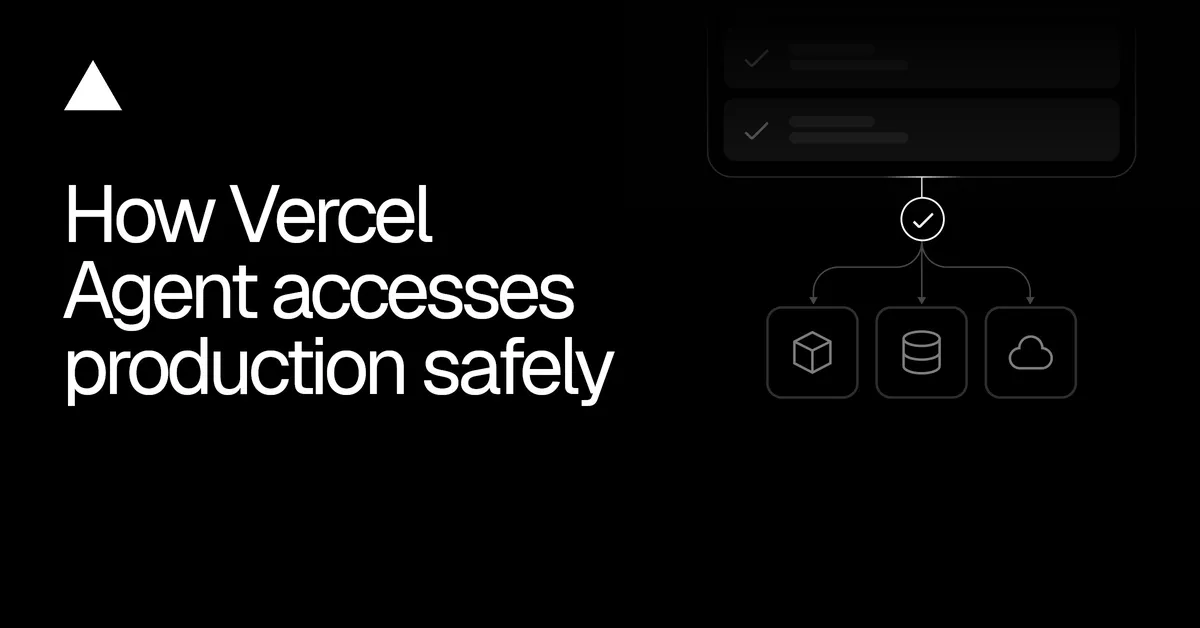
Vercel Agent investigates a production problem first, then proposes a plan that lists what it would do and which access it needs. According to Vercel, approving that plan grants the extra permissions required, so users review the fix before any change is authorized.
- Vercel Agent investigates with read-only access, then proposes a plan listing the work and the scopes it needs.
- Approving a plan grants extra permissions, but never more than the user already has.
- Vercel APIs check the token on every request and reject operations outside its scopes.
- Plans and tokens now share the same scope definitions from the Vercel scope registry.
- A stopped plan cannot resume, even if its token has not yet expired.
Plans instead of broad access or constant prompts
Vercel describes a trade-off in agent permissions. Broad access means a mistake can affect unrelated resources. Approval at every step means users sign off on single actions before they know how the agent plans to solve the problem, and repeated prompts can turn review into a habit of clicking approve.
Vercel Agent takes a different route. For a broken production deployment, it might inspect recent deployments and build logs and compare the failed deployment with the last known-good one. Read-only access lets that investigation run automatically. If the investigation leads to a proposed redeploy, the agent asks for the additional access in a plan the user can approve in one decision.
Access is defined by scopes, the named capabilities recognized by the Vercel authorization system. In Vercel's example, the investigation needs read:deployment, while redeploying the last known-good build needs read-write:deployment. The read-only baseline currently includes every registered scope beginning with read:. Plans need approval when they request access beyond that baseline or include supported external actions, such as opening a GitHub pull request. Vercel also notes that read-only operations can still expose sensitive information, so automatic approval does not mean the work is harmless.
Tokens bounded by the user's own permissions
Vercel Agent runs as a Vercel App, which the user authorizes to act on their behalf within a team. That authorization is limited by the user's existing permissions, so approving a plan cannot grant access the user does not have. The Vercel OAuth service exchanges the authorization for shorter-lived tokens with specific scopes, and Vercel APIs check the token on each request.
Vercel stresses that scopes are broader than a single task. Deployment write access covers more than one redeploy, and naming deployment X in a plan does not by itself restrict the token to that deployment. Editing environment variables, changing domains and managing team membership each require their own permissions.
- Read-only investigation uses a baseline token with read-only scopes.
- Approved Vercel changes use a token with baseline scopes plus the approved additional scopes.
- External actions use credentials and permissions specific to that provider.
The model's instructions tell it when to propose a plan. If it tries an operation outside the token's permissions, Vercel APIs reject the request, even if the model considers the action necessary. A single plan can combine Vercel changes and a GitHub pull request. GitHub access is tied to an owner and repository, so approval for acme/storefront does not cover acme/payments, which would need its own approval.
One scope registry and resumable approvals
Vercel says it first kept a separate permission list for the agent, which could drift out of sync with the OAuth service issuing tokens. It moved to the same scope definitions. At session setup, the agent loads them from the Vercel scope registry into an in-memory catalog, used for plan validation, approval and token preparation. Unknown or malformed scope names are rejected before a plan is stored or shown. If a task requests an outdated scope, the system returns valid scopes so the agent can correct the plan instead of falling back to broader access. Because fetching the registry adds latency and a service dependency, the catalog is cached, and checks reflect cached definitions until it is refreshed.
Approval can arrive after the original chat request has ended, or the agent can lose its connection before an approved redeploy. The stored plan records its state, who approved it, when, its tasks and requested permissions. Before resuming, the runtime reloads the plan and checks that it is active. A stopped plan fails that check even if its token has time left. If approval and a stop request arrive together, the plan moves to active only if the stop has not already changed its status. A replacement plan requesting elevated access needs its own approval.
What it means for teams using agents in production
For users, the design means the agent can investigate on its own with read-only access, while any change waits for a reviewable plan. Approval cannot exceed the user's own rights, and the APIs enforce limits even if the model errs. Vercel adds that as the agent reached more of the platform, it had to correct access rules for actions involving multiple resources or different consequences. Attaching a domain can require both domain and project permissions, and staging a firewall rule and publishing it need different levels of access.
Vercel: How Vercel Agent accesses production safely