Weaviate Engram plugin gives Claude Code memory across repos and sessions
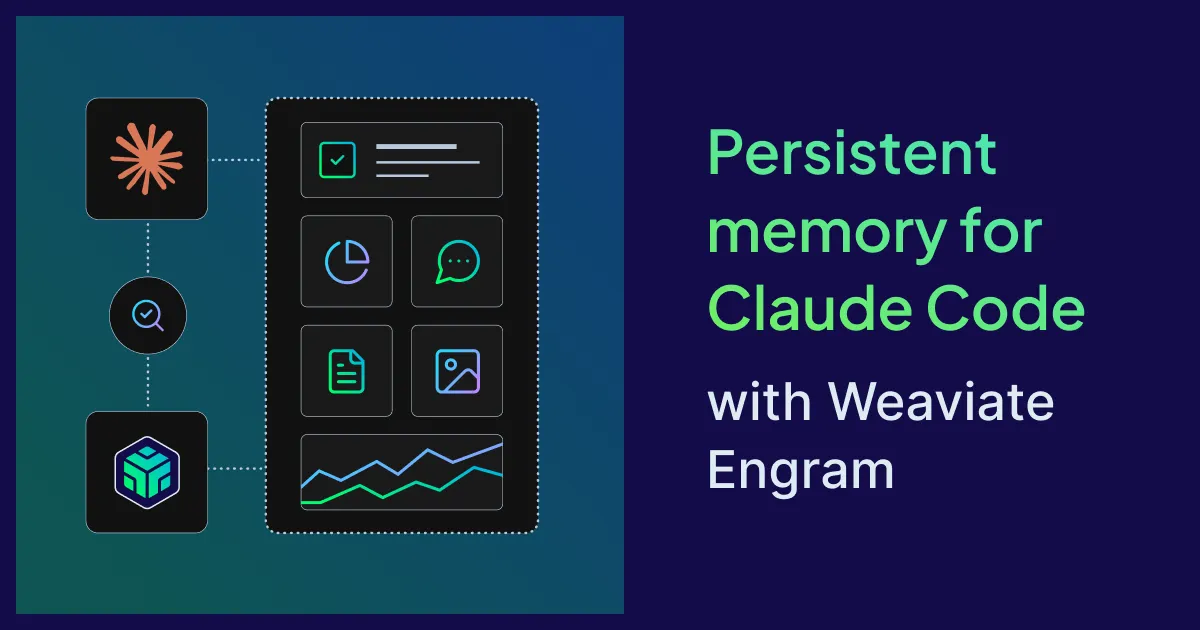
Weaviate has released an Engram plugin for Claude Code that gives the coding assistant a long-term memory not tied to a single repository or session. According to Weaviate, what a developer does in one place is remembered and recalled wherever it becomes relevant again.
- Weaviate released an Engram plugin that gives Claude Code long-term memory across repos, sessions and, via shared topics, team members.
- The plugin searches Engram before Claude answers and saves the exchange afterwards, with no manual remember command.
- Memory is best-effort: errors do not interrupt the session, and saving is asynchronous.
- Engram is free for up to 1,000 runs per month.
- Installation takes an API key from console.weaviate.cloud/engram and two /plugin commands.
The gap the plugin targets
Weaviate argues that a certain kind of knowledge never ends up in a CLAUDE.md file: what a developer actually did. That includes a feature added last week, the small decisions about its shape, the approach chosen after two others failed, or a library that was evaluated and rejected. In the company's words, this is "history, not policy."
Claude Code keeps its own notes, Weaviate says, but they stay with the project in which they were written, and most real work spans more than one. When a developer switches repos, Claude starts from zero. The Engram plugin is meant to close that gap.
Memory across sessions, codebases and people
Weaviate describes three scenarios. In the first, a developer added rate limiting to one service and now does the same for another. Claude recalls the earlier change and suggests the same approach, or notes the similarity and proposes a variation.
In the second, a developer adds an endpoint to an API and later opens the frontend repo to wire it up. Without memory, the session starts cold and the developer has to re-describe the path, the request shape and which fields are optional, or wait while Claude reads the API code. With the plugin, Weaviate says Claude already knows the endpoint, the response shape and the decisions made along the way.
In the third, memories can be shared across a team, depending on how topics are set up in an Engram project. A frontend developer could ask Claude to wire up an endpoint a backend colleague added earlier in the week, and Claude would already know what was built and why.
How it works
The plugin hooks into two moments in a Claude Code session.
- Before Claude answers: it searches Weaviate Engram for memories related to the prompt and passes relevant ones along as context. Memories are compressed into short, distilled notes rather than raw conversation, so recall stays light. Recall is silent, but Claude says so when it uses a memory.
- After Claude answers: it saves the exchange, meaning the user's message and Claude's reply. Engram turns the raw conversation into memories worth keeping. There is no "remember this" command.
Memory is strictly best-effort, according to Weaviate. If the API key is wrong, the network is down or something is misconfigured, the session carries on as it would without the plugin. When something needs attention, Claude adds a short Engram note at the top of its reply and then answers normally. Saving happens asynchronously after Claude finishes, so it does not delay the next prompt.
About Engram and how to start
Engram is Weaviate's memory server for LLM agents and applications. It takes in conversations, then extracts, transforms and stores the parts worth keeping, using vector embeddings and LLM-powered processing. Memories are searchable through a REST API and a Python SDK, and the same memory can sit behind a developer's own agents and apps.
Engram is free for up to 1,000 runs per month, according to Weaviate. Setup involves creating a project at console.weaviate.cloud/engram, copying the API key and exporting it as ENGRAM_API_KEY. Then, inside a Claude Code session, the user runs two commands: /plugin marketplace add weaviate/engram-plugins and /plugin install engram@weaviate-engram. Memory starts working on the next prompt.
What it means for developers
For developers who work across several repositories or in teams, the plugin aims to reduce repeated explanations and keep decisions consistent without relying on individual recall. Because saving requires no manual step and failures do not interrupt a session, Weaviate positions it as something to install once and then forget. The free tier lets users test it on their own projects first, and the plugin docs cover how to tailor scoping to a team.
Weaviate: Persistent memory for Claude Code with Weaviate Engram