Google AI Studio adds full-stack Android app building with Gemini
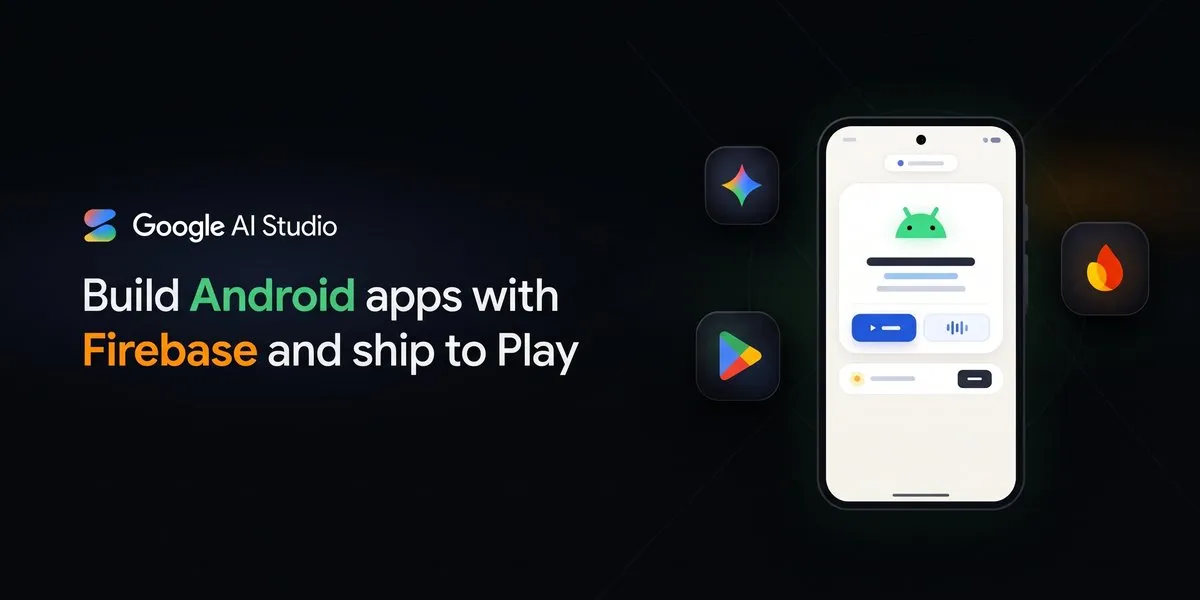
Google AI Studio now lets developers build and publish full-stack Android applications with Gemini 4 Carbon and Hydrogen, Google says. The service can generate Kotlin apps with persistent data, user sign-in and AI features from a single prompt.
- Google AI Studio can generate full-stack Kotlin Android apps from a single prompt.
- The Build agent can provision Cloud Firestore, Google Sign-In and Firebase Security Rules.
- Firebase AI Logic and Firebase App Check protect Gemini API calls in Android apps.
- The workflow adds a 1200p emulator, real-time audio and screenshot-based UI editing.
- Apps can be published to a personal Google Play library from AI Studio.
From a prompt to a connected Android app
Google says its AI Studio Build agent can handle the setup required for applications that need more than local storage. When a prompt describes persistent storage, user authentication or generative AI features, the agent detects those requirements and, with the developer’s confirmation, provisions the backend and connects it to the Kotlin codebase.
The service can create a Cloud Firestore database, configure the Firebase Android software development kits and generate Firebase Security Rules based on the app’s data model. This allows data to sync across sessions and devices, with offline caching that synchronizes when connectivity returns, according to Google.
For apps with profiles or private workspaces, the agent configures Firebase Authentication with Google Sign-In and per-user authorization rules. Google says those rules are designed to ensure that users can read and write only their own documents.
Gemini calls and visual development tools
Google AI Studio also addresses the security risks of putting API keys in a client application. For Android apps that call Gemini models, the Build agent configures Firebase AI Logic and Firebase App Check, using Google Fraud Defense, formerly reCAPTCHA Enterprise. According to Google, credentials remain protected server-side, while App Check verifies that requests come from the authentic, untampered app.
The Android workflow includes a faster emulator with lower-latency startup and an option for 1200p high-definition streaming. Developers can hear real-time audio from the emulator in their browser, allowing them to test features such as Gemini Live API companions, text-to-speech coaches, sound-enabled games and media apps.
A screenshot button lets developers capture the running app and attach the image to a prompt. Gemini can then use the visual context to guide Kotlin interface changes, such as adjusting card padding, contrast or toolbar alignment. The Build agent can also download and apply custom fonts across a Jetpack Compose theme.
Under the hood, Google AI Studio now uses the official Android CLI to scaffold projects, query current Android documentation and execute Gradle builds. Google says this supports more complex multi-screen architectures and helps reduce build errors.
Publishing through a personal Google Play library
Google is integrating Google Play publishing into AI Studio so developers can move from browser-based testing to a physical Android phone. The company says users can set up a Play account from the publish panel with a few clicks and publish an app to their personal Google Play library using a standard Google account.
AI Studio builds and signs the Android App Bundle, or .aab, behind the scenes. Developers can then download and run the app on their phone through Google Play, without the local USB debugging, signing keystore management or full developer console setup described by Google as part of the traditional process.
These features are rolling out in Google AI Studio today. Developers can open AI Studio Build, select the Android chip at the top of the workspace and use prompts for apps such as a workout coach with cross-device history or a collaborative recipe app with shared grocery lists.
Google for Developers: Build full-stack Android apps with Gemini in Google AI Studio- Google Developers Blog