Mintlify lets teams upload custom skills to its docs agent
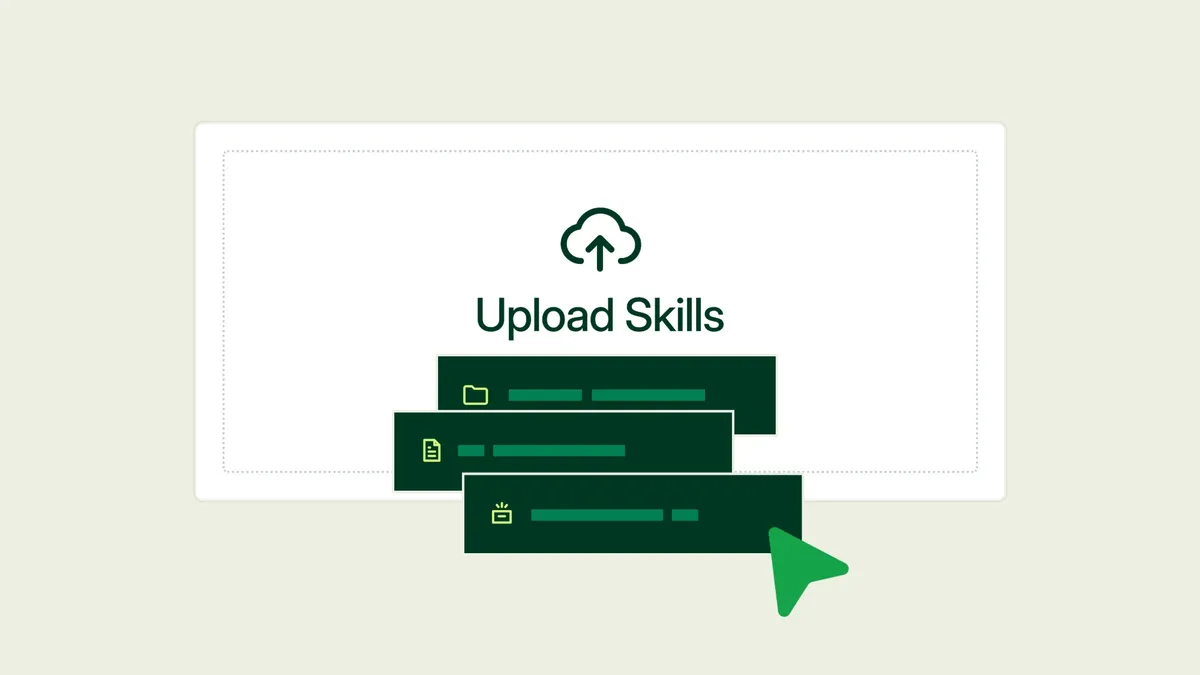
Mintlify now lets users upload custom skills to the agent in its web editor, so it can follow a team's style guide, review checklist or page templates. According to the company, you provide the material once and the agent uses it whenever a task calls for it.
- Mintlify's web editor agent now accepts custom skills uploaded as folders, .zip, single skill files or .skill files, including ones exported from Claude.
- Skills can be personal or org-wide; org skills apply to everyone on the team.
- The agent picks a skill by reading its name and description, so descriptions should use words people actually type.
- Custom skills require a Pro or Enterprise plan.
How custom skills work
A skill, as Mintlify describes it, is a folder with a SKILL.md file at its center, plus any reference files and examples it needs. The agent accepts folders, .zip files, single skill files and .skill files, including ones exported from Claude.
Skills can be uploaded at two levels. Personal skills apply only to the uploader's own requests. Org skills apply to everyone on the team, so a style guide uploaded once shapes every edit the agent makes for anyone. The agent reads each skill's description and picks the one that matches a request.
Mintlify points out that its docs already publish a generated skill at /.well-known/skills/, so outside agents can learn a product from a URL. Custom skills work in the other direction: they teach Mintlify's agent how a team writes.
What to turn into a skill
Mintlify suggests starting with the feedback reviewers repeat on every pull request. Its examples include:
- A style guide skill covering voice, product terminology, heading case and banned words.
- A page-type skill that defines what a quickstart must include and how it differs from a reference page.
- A changelog skill with the entry format and three real entries the team considers good.
- A review skill the agent runs before opening a PR, with rules to catch unsupported claims, missing prerequisites and steps with no expected output.
- An API reference skill for parameter naming, section order and error code format.
The post also lists open-source skills to fork and rewrite. They include documentation-writer in GitHub's awesome-copilot repo, which sorts pages into the four Diátaxis types, and technical-writer, which splits engineering docs into separate skills for design docs, changelogs, runbooks and postmortems. Also named are no-ai-slop from Peter Yang, which strips more than 20 AI writing patterns, brand-guidelines and internal-comms in Anthropic's skills repo, and documentation-and-adrs from Addy Osmani.
Mintlify advises reading a skill before uploading it at the org level and checking its license. According to the post, no-ai-slop is MIT-licensed, while skills that adapt Wikipedia's guide may carry its CC BY-SA terms.
Writing a skill that fires
The description decides when a skill runs, Mintlify says, because agents read only each skill's name and description up front. It recommends writing descriptions in the words people actually type, since "Helps with documents" never fires. Other advice from the post:
- Give each skill one job, for example keeping the changelog format separate from the style guide.
- Keep the main SKILL.md under about 500 lines and move long material, such as a full terminology list, into reference files.
- Use examples instead of adjectives. Two before-and-after rewrites teach more than "be clear and concise."
- End with a checklist the agent can run against its own draft.
The sample description in the post, for a skill named writing-changelogs, says to use it when asked to draft a changelog, release notes or a "what's new" entry, or when a PR adds a user-facing feature.
Getting started and availability
To add a skill, open the skills page for your organization, click Add Skill, upload a skill folder, .zip or .skill file, and choose whether it is personal or org-wide. Then ask the agent for a task the skill covers and check the result against the skill's checklist. Mintlify refers readers to its docs for supported formats and limits.
Custom skills work wherever the agent is used, which requires a Pro or Enterprise plan, according to the post. For documentation teams, the practical effect is that recurring review comments can be written down once and applied to the agent's edits, either for one person or for the whole organization.
Mintlify: Bring your own skills to the Mintlify agent