Picsart launches AI Video Clipper that turns one long video into up to 12 shorts
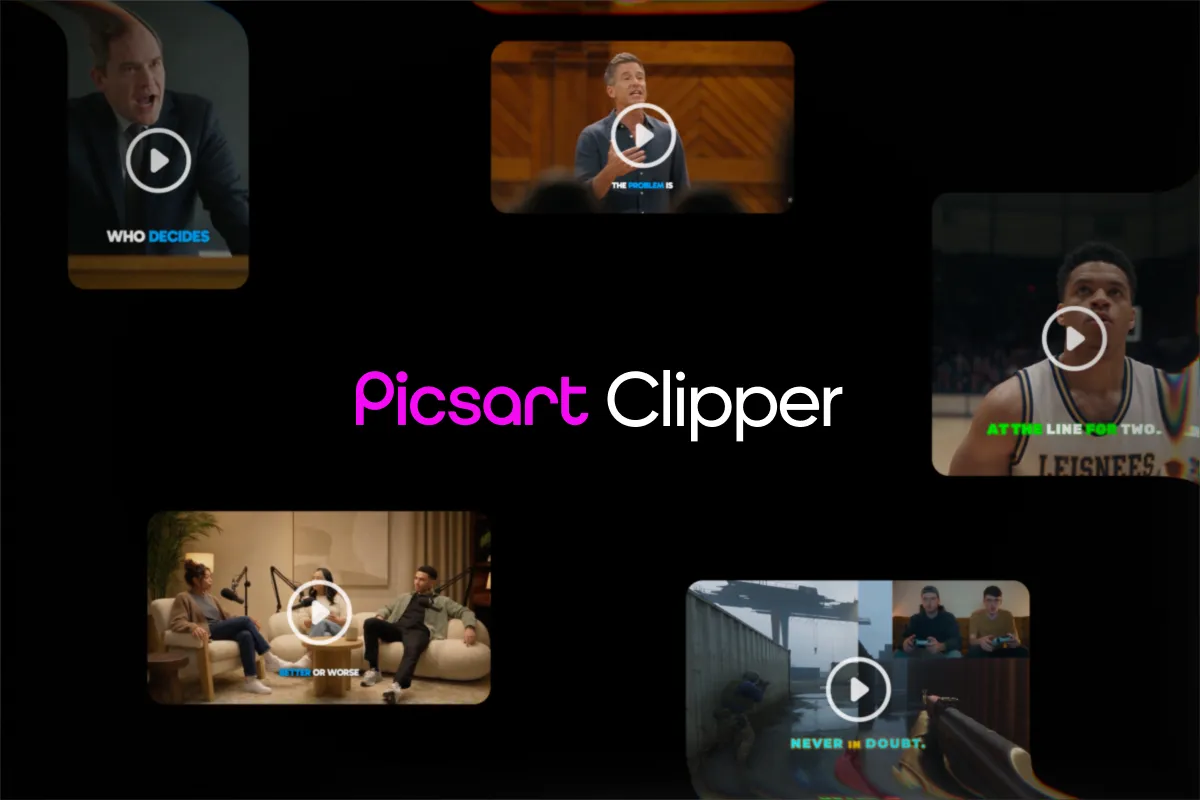
Picsart has added an AI video clipping tool that takes one long video and returns up to 12 short clips ready to post. According to the company, it picks self-contained moments, adds captions and suggests hooks, titles and hashtags.
- Picsart's AI video clipping tool turns one long video into up to 12 short clips.
- Speech videos are cut on complete thoughts; footage without speech uses a separate visual process.
- Clips come with word-timed captions from 101 presets, plus suggested hooks, titles and hashtags.
- Price depends on the source video's length, not the number of clips, and empty runs are free.
- The workflow also plugs into paid Picsart Earn campaigns.
What the tool does
Picsart says the tool replaces the slow part of clipping, which is watching a whole video to find the few moments worth keeping. It analyzes the full timeline and selects moments that make sense to a viewer who never saw the original.
For videos with speech, cuts follow word-level timing, so each clip opens and closes on a complete thought. Weak intros and generic outro lines are filtered out. Footage without speech, such as gameplay, drone video, montages or security-camera recordings, goes through a separate process built to spot strong visual moments.
Each clip is delivered with several publishing aids, according to Picsart:
- Vertical, landscape, square or original framing
- Word-timed captions for speech, styled from 101 caption presets
- An opening title plus an AI backdrop, an AI thumbnail or a frozen frame as the cover
- Suggested hooks, titles, descriptions, hashtags and thumbnail headlines
- Platform recommendations and a performance score
How the workflow runs
Users upload a video by dropping it onto the upload area, clicking Upload video, or pulling a file from Picsart Drive. The tool accepts MP4, MOV and WebM files and works best on videos of 10 minutes or longer.
Next, users set the number of clips, up to 12, and a clip length, or leave the length on Automatic. Output formats are Vertical 9:16, Landscape 16:9, Square 1:1, or Original. Caption styles include Creator, Podcast, Cinematic, Meme, Luxury, SaaS and Educational, and karaoke captions can highlight each word as it is spoken.
After clicking Generate clips, the tool works through three stages: prepare video, find moments and create clips. The button shows how many credits the run will use before it starts. The tab can be closed once the upload finishes, and the job waits for 24 hours.
Clips appear in a grid, each card showing length, source timestamps and a score out of 100. Captions, timing, visuals and opening frames can be adjusted before export. Clips can be downloaded one by one, in a selection, or all at once, and Generate more pulls extra moments from the same video. Each clip saves as an MP4, MOV, WebM or MKV file, with an optional SRT subtitle file.
Picsart Earn and pricing details
The clipper connects to Picsart Earn, where campaign owners pay creators to turn approved source content into short-form posts. Creators pick a campaign, bring in a source video of at least 10 minutes and shape clips around the brief. Required hashtags, @mentions and caption lines carry into the clips. Creators post the clips, submit the links in the Earn dashboard, and qualifying performance is verified before earnings are confirmed.
On cost, Picsart says pricing follows the upload, not the output. The price is set by the source video's length, counted in started minutes, so one clip and 12 clips cost the same. A run that returns no clips is not charged.
What it means for creators
Picsart positions the tool for podcasts, interviews, long YouTube videos turned into Shorts, TikTok and Reels, and gameplay or other footage without speech. It also describes the practice of clip farming, turning one long video into many short posts to multiply reach.
The company notes limits: the number of usable clips depends on how many strong, self-contained moments the original holds, and manual trimming remains the better fit for a single quick cut from short footage. For long recordings, the pitch is to cut the hunt for moments down to one upload.
Picsart: AI Video Clipper is here: how to clip videos in Picsart