Picsart Flow adds Reshoot, an AI video-to-video node for recasting clips
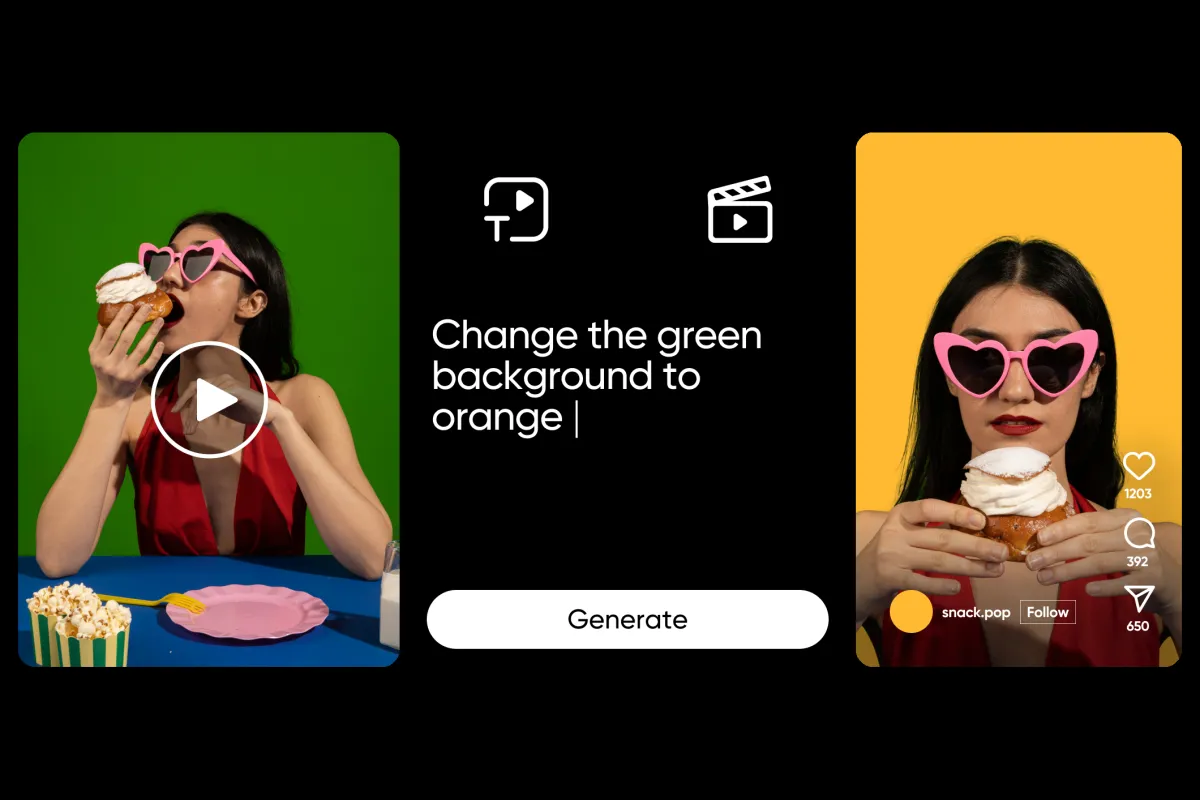
Picsart has added Reshoot to Picsart Flow, a video-to-video node that re-shoots an existing clip with new people, products or places. According to Picsart, the motion, camera and cuts stay exactly as filmed while the contents of the frame change.
- Reshoot is a new video-to-video node in Picsart Flow that swaps people, products or places in an existing clip.
- Motion, camera moves and cuts stay as filmed, and the output follows the clip's length.
- Recast rebuilds cast, wardrobe and set, while Swap changes only what the references point at.
- Inputs are a 4 to 30 second clip and 1 to 30 reference images, rendered at 480p, 720p or 1080p.
- Each run produces one take on a new node next to the original, which stays unchanged.
How Reshoot works
Users connect a clip and a set of reference images, then write a note describing what should change. Flow re-renders the clip based on those inputs. Picsart says the clip sets the motion, the camera moves and the cuts, while the reference images set what appears in it: a new cast, a new product or a new set.
The workflow has five steps. A video of 4 to 30 seconds is connected to the Reshoot node, followed by 1 to 30 reference images. The user then picks a mode, writes the note and chooses a resolution of 480p, 720p or 1080p. In the note, a reference can be mentioned with @, and its first frame shows in the list so each instruction can be tied to a specific image.
One run renders one take on a new node next to the original, so the source clip is not changed. The output follows the length of the input clip.
Picsart also describes a director step between the inputs and the render. It reads the clip and the reference images and writes the edit prompt itself. A video model then renders that prompt into the new take.
Recast and Swap modes
Reshoot offers two modes, and the difference is how much of the frame changes.
- Recast rebuilds the cast, the wardrobe and the set from the references. The motion, the camera and the cuts stay as filmed. Picsart calls it the character swap mode and says it suits a full reshoot with a new cast in a new place.
- Swap changes only what the references point at and leaves everything else in the clip alone. Picsart describes it as a form of AI product placement, suited to a targeted change such as one product in an otherwise finished shot.
Picsart advises choosing the mode before writing the note. A note that rebuilds the whole scene fits Recast, while a note that changes one thing fits Swap.
One take, many variants
The idea behind Reshoot, according to Picsart, is to shoot once and produce every variant from the same take. The company points to performance marketers, for whom one product video could become a full set of ads without another shoot.
Because each run lands on its own node next to the original, variants build up side by side on the canvas. Picsart lists four use cases:
- Every colourway: keep the product video as shot and run Reshoot with a reference for each colourway.
- Every model: use Recast to put a different cast into the same take, with wardrobe changing along with the cast.
- Every location: Recast also rebuilds the set, so the same performance can play out in a new place on each run.
- Every product: use Swap to replace only the product in a finished shot.
Since motion, camera and cuts carry over, Picsart says the variants line up shot for shot, so the only difference between them is what the references changed.
What it means for users
For teams that already have a finished clip, Reshoot is a way to generate comparable versions inside Flow rather than organise additional shoots. The limits are clearly set: clips of 4 to 30 seconds, up to 30 reference images, three resolution options and a single take per run. Producing several variants therefore means running the node again for each one.
Picsart's guidance for getting good results is to pick the mode first, name references with @ in the note, and choose the resolution to match the intended use. The source does not mention pricing or availability details.
Picsart: Reshoot brings AI video-to-video editing to Picsart Flow