Picsart Flow adds a 3D node that turns text or photos into 3D models
Picsart Flow now includes a 3D node that turns a text prompt or a photo into a textured 3D model on the canvas. According to Picsart, the finished model can be spun in place and downloaded as a GLB file.
- Picsart Flow's new 3D node creates textured 3D models from a text prompt or a photo.
- Three models are available; one accepts up to five views of the same object, and each is priced separately.
- Generation takes 30 seconds to 3 minutes.
- Models can be orbited, zoomed and checked on four backdrops on the canvas.
- Each model exports as a GLB file plus a rendered poster image.
One node for text to 3D and image to 3D
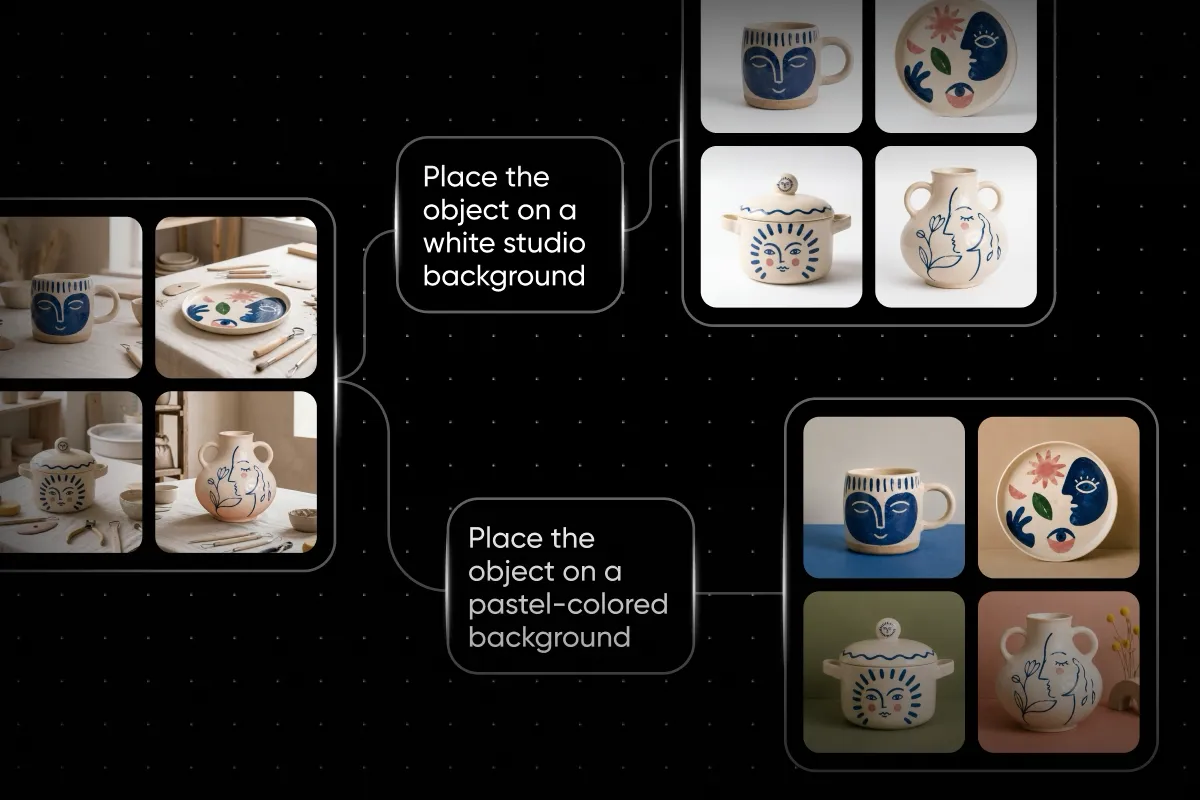
The new 3D node covers both text to 3D and image to 3D. Users type what the object is, or connect an image such as a product shot or a character sketch, and the node builds a textured model. Picsart stresses that the result is a live model, not a picture.
The model appears on the same Picsart Flow canvas as the images and videos that use it. According to Picsart, this keeps the asset and the work built around it in one place, from the first prompt to the final download.
Generation takes 30 seconds to 3 minutes. Three models sit behind the node, and each one is priced separately.
Three models, three kinds of input
The workflow has four steps: add the 3D node to the canvas, type the object or connect an image, pick a model, and run the node. The only difference between the text and image paths is what is fed into the node.
- Text or a single photo: a model that takes a prompt or one image, with quality dials for texture, PBR materials and detail.
- Several views of one object: a model that takes a prompt or up to five views of the same object, with dials for topology and detail.
- One photo: a model that takes a single image, with a texture size setting.
For text to 3D, users pick one of the two models that accept a prompt. For image to 3D, all three models take a picture. Users make three decisions before a run: the input, the model and the quality settings. The node handles building the model, showing it live and exporting the files.
Reviewing and exporting the model
The finished model is interactive, and the review controls sit on the node. Users can drag to orbit, scroll to zoom, double-click to reset the view and open the model fullscreen. If left alone, the model turns on its own.
Four backdrops are available for checking the model: default, dark, light and a transparency checker.
Each model comes with two downloads: a GLB file and the rendered poster as an image. Picsart says the GLB is ready for a game engine, a web viewer or a 3D print pipeline, while the poster gives a still image of the same model.
What it means for users
Picsart lists several uses for the node: turning product shots into models for a web viewer, turning character sketches into 3D models, creating objects from a line of text when there is nothing to photograph yet, and producing assets for game engines or 3D printing.
For Picsart Flow users, 3D generation now happens inside the same workspace as their image and video work, without a separate tool. Because each of the three models is priced separately, the choice of model affects cost as well as input type and quality settings. Picsart's source does not give the prices.