Picsart Flow adds Captions node with 30 animated AI caption styles
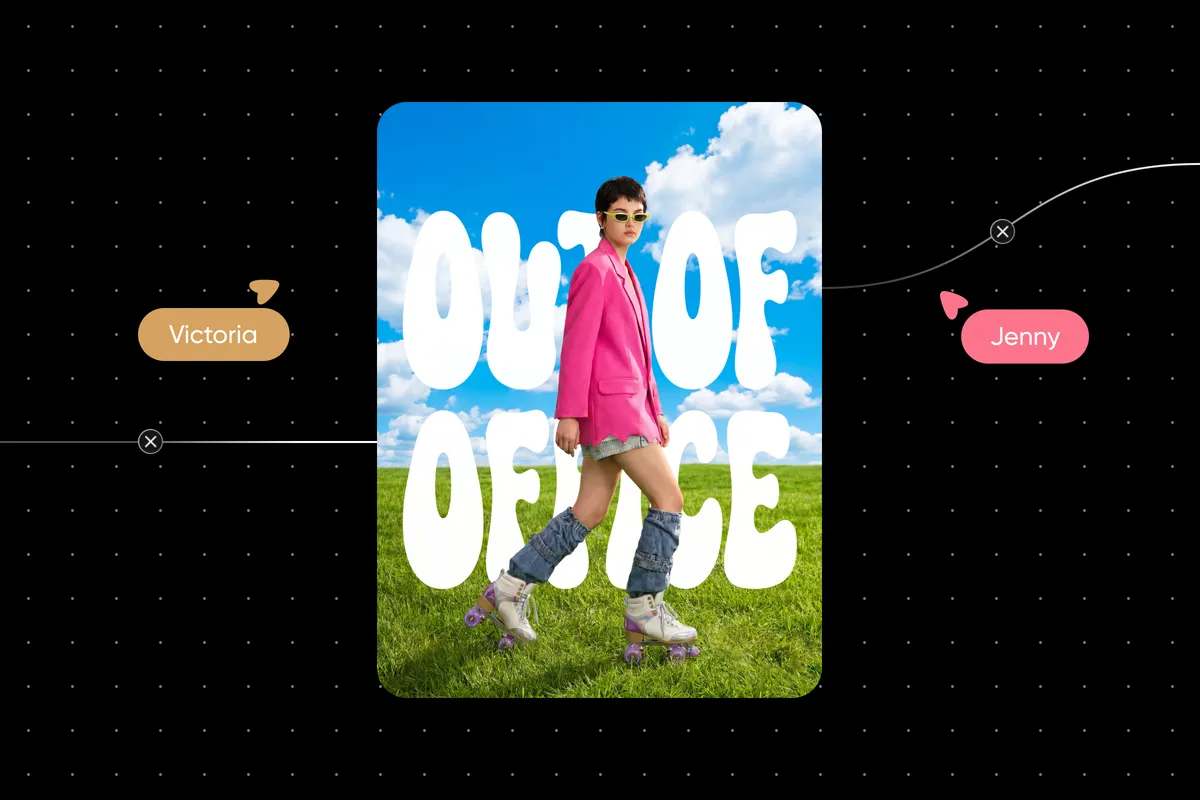
Picsart Flow now includes a Captions node that transcribes speech in a video and burns it in as animated, styled subtitles. According to Picsart, users connect a clip, pick one of 30 styles and run the node, with no prompt required.
- Picsart Flow has a new Captions node that transcribes speech and burns in animated subtitles.
- Users choose from 30 caption styles, including Buzz, Magazine, Neon, Hustle, Closed Cap and Minima, with no prompt needed.
- Input is MP4 or MOV, up to 5 minutes and 50 MB, in any aspect ratio; output is always 9:16.
- Landscape and square clips are fitted into the vertical frame with a black or blurred-video background.
- The original clip stays untouched and the captioned version appears on a new downstream node.
How the Captions node works
The Captions node is built into the Picsart Flow canvas and works as an AI video caption generator. It transcribes the speech in a clip and burns the words into the video as animated captions. Because the style template is the only creative choice, there is no prompt to write.
Picsart lists the input limits clearly: MP4 or MOV files, up to 5 minutes and 50 MB, in any aspect ratio. The output is always 9:16. The captioned video appears on a new node downstream, and the original clip is left untouched.
The company positions the node as the step that follows video generation. A user can generate a clip in Flow, connect it to the Captions node and run it, so the clip never leaves the canvas between generation and captioning. The source clip and the captioned version then sit side by side.
Four steps, three choices
Picsart describes the workflow as follows:
- Connect a video: an MP4 or MOV clip, up to 5 minutes and 50 MB.
- Pick a caption style: one of 30 styles, such as Buzz, Magazine, Neon, Hustle, Closed Cap or Minima.
- Choose the background for wide clips: landscape or square clips are fitted into a 9:16 frame with either a black or a blurred-video background.
- Run the node: speech is transcribed and burned in, and the result lands on a new node.
According to Picsart, the user makes at most three decisions: the clip, the style and, for a wide clip, the background. The node handles transcription, caption burn-in, frame fitting and placement of the result.
Vertical output and reuse of the original
Every captioned video comes out at 9:16, whatever the shape of the input. Picsart says the files are ready for TikTok, Reels and Shorts. For landscape or square footage, the node effectively turns the clip into a vertical one, then adds the captions.
Since the original stays on the canvas unchanged, the same clip can be run through the Captions node again with a different style. Each run lands on its own node, which lets a user compare several looks from one source clip.
What it means for creators
The update targets people who make short-form vertical video and want captioning to happen in the same workspace as generation. Based on Picsart's description, the main gains are fewer steps, no prompt writing and a non-destructive workflow in which the source clip is preserved.
The limits are worth checking before use: clips must be MP4 or MOV, no longer than 5 minutes and no larger than 50 MB, and the output format is fixed at 9:16. Picsart's announcement does not detail pricing or availability.
Picsart: Picsart Flow now adds AI captioning in 30 animated styles