Picsart adds MiniMax H3 Image with support for 16 references
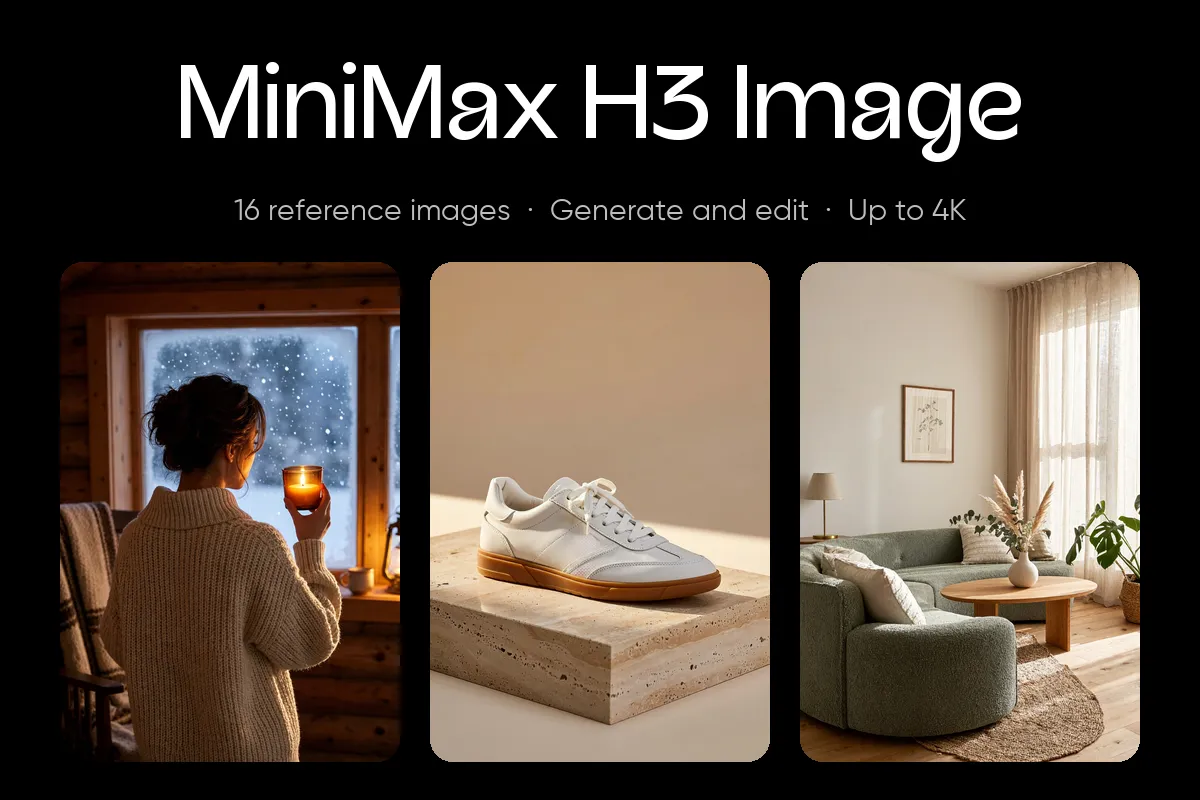
Picsart has made MiniMax H3 Image available in its AI Playground, allowing users to combine a prompt with up to 16 reference images and generate visuals at up to 4K resolution. The model can also edit generated images, keeping the workflow in one place.
- MiniMax H3 Image is now live in Picsart AI Playground.
- Users can add up to 16 reference images to one generation.
- The model supports 1K, 2K and 4K output and batches of up to 10 images.
- Generated images can be edited with the same model.
- Picsart offers standard and Highspeed versions of the model.
A reference-led approach to image creation
MiniMax H3 Image is the first model MiniMax has made for still images, according to Picsart. It is designed for everyday image production, including product launches, advertising campaigns, fashion shoots, room makeovers and design concepts.
Instead of relying on a written description alone, users can assign different roles to reference images. A product photo can provide the item, a portrait can establish a person’s face and look, an outfit image can guide styling, and another image can supply the lighting or color grade. The prompt then describes how those elements should be combined.
Users can upload as many as 16 references in one generation. References are numbered in upload order, so prompts can identify them directly as image 1, image 2 and so on. The model can also work from text alone.
From existing photos to finished campaign assets
Picsart illustrates the workflow with a winter campaign for a small candle brand. The team uploads three candle shots, a model portrait, a cabin interior and an image showing the desired amber tones. Those six references are used to create a scene of the model holding a lit candle beside a frosted window.
The team can request a batch of 10 images to explore different directions, select a preferred result and then edit it with another prompt. In the example, the window is changed to show an evening sky with snow on the sill. The approved scene can be exported in tall, square and wide formats as JPEG, PNG or WebP.
Picsart says the same approach can be used for fashion lookbooks and interior staging, where existing portraits, room photos and product images become the foundation for new creative work.
Resolution, formats and model options
MiniMax H3 Image supports 1K, 2K and 4K rendering. Available aspect ratios include Auto, 1:1, 4:3, 3:4, 3:2, 2:3, 16:9, 9:16 and 21:9, along with ranges from 1:3 to 3:1. At 4K, a square image is 4096 × 4096 pixels, while a 16:9 frame is 5472 × 3072.
Each generation can return 1, 2, 4, 6, 8 or 10 images. Prompt enhancement is enabled by default, and image edits always use it. Reference files must measure between 128 and 8,192 pixels on a side, with JPG, PNG, WebP, HEIC and HEIF supported.
Picsart offers a standard version and MiniMax H3 Image Highspeed. Both support the same limits, including 16 references, 4K output and batches of up to 10 images. Picsart positions Highspeed for faster exploration and the standard model for final versions.
Where users can access it
MiniMax H3 Image is available in AI Playground on the web and in Picsart’s desktop app, alongside more than 250 other AI models. Developers can also use it through the Picsart CLI or inside AI assistants through Picsart MCP.
Users open the model, upload references if needed, write a prompt explaining what each image supplies, choose resolution, aspect ratio, image count and file format, then generate and refine the result. Picsart says visuals created with MiniMax H3 Image in Picsart can be used commercially, including for marketing, branding and social media.
The tool is aimed at users who already have photos or other assets and want to turn them into additional campaign, design or product imagery. It does not produce transparent backgrounds and does not support masked edits, so changes must be described in the prompt.
Picsart: MiniMax H3 Image lands in Picsart with 16 reference slots