Roboflow Plugin Lets ChatGPT Search Computer Vision Datasets for You
Roboflow has published a tutorial showing how its plugin for ChatGPT can search Roboflow Universe, compare candidate datasets and link to annotated sample images. The aim, according to Roboflow, is to save teams the days or weeks of collecting and labeling data from scratch.
- Roboflow's plugin lets ChatGPT search Roboflow Universe and compare datasets by classes, image counts and licenses.
- Setup takes about a minute and requires a free Roboflow account, according to Roboflow.
- The tutorial example finds a steel defect dataset, Steel Surface Defects, with 1,799 images and a CC BY 4.0 license.
- Users are advised to inspect annotated samples and check version preprocessing and augmentation before use.
- Found datasets can be forked into a Roboflow workspace for training.
What the plugin does
Every computer vision model starts with labeled data, and Roboflow says that collecting and annotating images from scratch can take weeks. Before starting, it recommends checking whether someone has already labeled data for the same task. Roboflow Universe, which the company describes as a public library of open-source computer vision datasets and trained models, is its suggested place to look.
Searching still takes effort, though. According to Roboflow, users have to search, compare class names that vary from owner to owner, check image counts and licenses, and look at the actual annotations to judge quality. The Roboflow plugin for ChatGPT is meant to handle that legwork. A user describes in plain language what they need to detect, and ChatGPT searches Universe, compares the results side by side and links to sample images and version details.
Once a suitable dataset is found, the user can fork it into a Roboflow workspace, add their own images and train a model.
Setting it up
Roboflow says setup takes about a minute. A free Roboflow account is required, and one can be created during the connection step. The steps are:
- Open the plugin directory by selecting Plugins in the ChatGPT sidebar or going to chatgpt.com/plugins. According to Roboflow, this works on web, desktop and mobile apps.
- Search for Roboflow, open the plugin and select Install plugin.
- Select Connect and sign in to Roboflow.
- Start a new conversation and type @Roboflow at the start of the message, or select + in the message box and choose Roboflow.
ChatGPT can also use the plugin on its own when a request is relevant, but Roboflow notes that mentioning it directly ensures it is used. A quick test prompt asks for object detection datasets of hard hats. If ChatGPT returns a list of datasets, the setup works.
Worked example: steel surface defects
The tutorial uses a common manufacturing task: a camera inspecting steel sheets for surface defects such as scratches, patches and pitted surfaces. The project type is Object Detection with bounding box annotations. Roboflow says the same steps apply to other targets, from PCB defects to safety gear to retail products.
The first prompt asks for up to 5 relevant datasets in a table showing name, owner, image count, exact class names, license and link, and asks which target defects each dataset covers or misses. Roboflow advises checking the actual class names, since owners may write pitted_surface instead of "pitted surfaces".
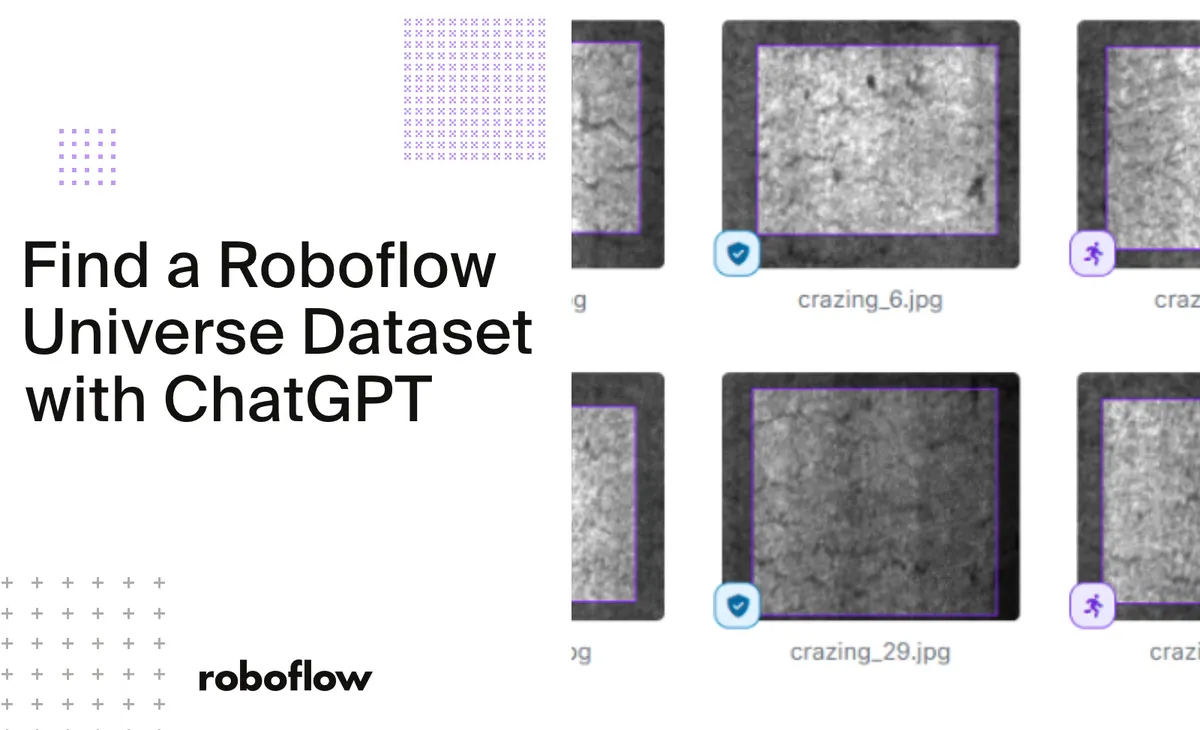
A second prompt narrows the results to datasets with more than 1,000 images that include all three defect types. One result was Steel Surface Defects, owned by "my focus". Its project page lists 1,799 images, the classes crazing, inclusion, patches, scratches, pitted_surface and rolled-in_scale, and a CC BY 4.0 license. It covers the three target classes plus three more.
Checking quality before committing
A class list shows only what is labeled, so the tutorial adds a step to inspect samples. A prompt asks ChatGPT for 6 unique annotated images spread as evenly as possible across the classes, with image ID, annotated classes, number of annotations and a link to the Roboflow Universe annotation viewer. The prompt tells ChatGPT not to invent image IDs or links, and to explain what is missing if a class or image is unavailable.
Roboflow recommends reviewing the bounding boxes for accuracy and missed defects, and comparing resolution, lighting, surface texture and defect size with the intended application.
The final step is checking dataset versions, since a version may include preprocessing or augmentation. The prompt asks for version number, image counts for training, validation and testing, preprocessing and augmentation settings, license and a direct link. It also asks ChatGPT to distinguish the project image count from the generated version image count.
What it means for users
For teams building vision models, the plugin moves dataset discovery and first-pass comparison into a chat. Based on the tutorial, the quality checks still rest with the user: opening the annotation viewer, reviewing the labels and confirming version settings before training.
Roboflow: Find Computer Vision Datasets in ChatGPT with Roboflow