Wondershare UniConverter 18 adds AI Media Agent, Auto Fix and Watch Folder
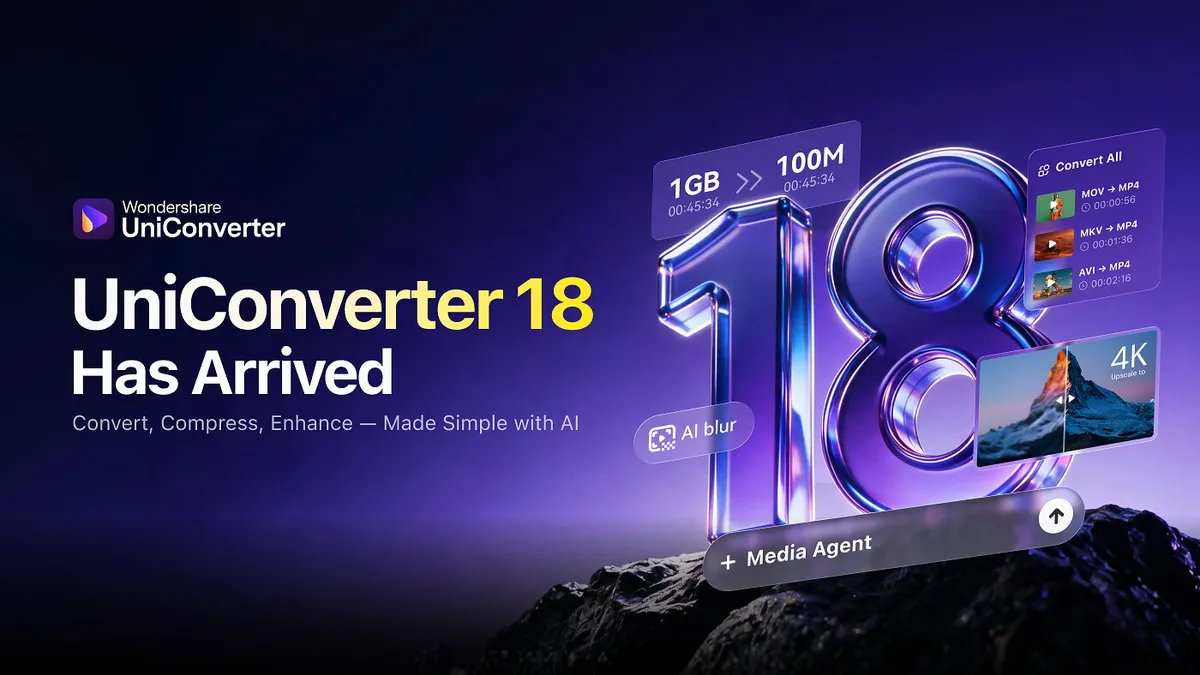
Wondershare has launched UniConverter 18, an update to its all-in-one media processing software that adds AI image enhancement, a natural-language AI Media Agent and automated folder-based conversion. According to the company, selected Windows GPU conversion tests showed processing time cut by up to approximately 90% compared with the previous version.
- Wondershare launched UniConverter 18 with new AI features and workflow upgrades.
- Auto Fix analyzes photos for blur, poor lighting, faded colors and damage, then picks a tailored enhancement.
- AI Media Agent starts batch conversions from natural-language instructions, and Watch Folder converts new files automatically.
- Wondershare reports up to approximately 90% shorter processing time in selected Windows GPU tests, with results varying by hardware and settings.
- New tools include Video Blur, Precise Subtitle Removal, M3U8 downloads and YouTube Watch Later and Liked video downloads.
AI-powered image and video enhancement
UniConverter 18 expands the software's image and video enhancement tools, with the aim of improving visual quality with less manual adjustment, according to Wondershare.
The headline feature here is Auto Fix. It analyzes photos for problems such as blur, poor lighting, faded colors and visible damage, then selects an enhancement approach tailored to each image. Wondershare says this reduces the need for users to compare enhancement models manually.
The update also improves the efficiency of generative video upscaling. In addition, it makes portrait processing more consistent in difficult situations, including out-of-focus or partially obscured faces.
Automation, output control and speed
A second group of changes targets conversion workflows and output control.
- Watch Folder automatically converts new files added to designated folders according to predefined rules. Wondershare points to recurring tasks such as processing incoming footage and maintaining media libraries.
- AI Media Agent lets users start batch media conversion tasks with natural-language instructions.
- Goal-based compression lets users set a target file size, compression ratio or quality level to meet specific delivery requirements.
- Audio Passthrough preserves compatible original audio streams without re-encoding in supported workflows.
Other additions include CPU usage control and better preservation of supported audio and subtitle tracks.
On performance, UniConverter 18 upgrades its GPU processing pipelines for NVIDIA-powered Windows systems and optimizes HDR processing on Windows and macOS. In selected Windows GPU conversion tests without additional editing operations, these upgrades reduced processing time by up to approximately 90% compared with the previous version, according to the company. Wondershare adds that actual results vary by hardware, source files and conversion settings.
Wider download and editing tools
The release also broadens the download and cleanup toolkit. Download options now include eligible YouTube account content, such as Watch Later and Liked videos, subject to login and access permissions. Users can save supported video chapters as individual files or download the full video. The update also adds M3U8 stream downloading and lets users select multiple available language tracks when downloading YouTube subtitles.
For video cleanup, Video Blur uses face detection and object tracking to obscure selected areas throughout footage. Precise Subtitle Removal identifies embedded subtitles and their appearance intervals to help target unwanted text. Wondershare also says it has improved Video Eraser, which removes unwanted objects and moving subjects and reconstructs the background.
What it means for users
For people who regularly convert, compress and clean up media, the update centers on cutting repetitive manual steps: automated folder conversion, plain-language batch tasks and automatic image enhancement selection. The speed gains come from the company's own tests on selected Windows GPU setups, so results on other hardware may differ.
"As digital content continues to grow in volume and diversity, users need more intelligent and efficient ways to manage increasingly complex media workflows," said Desmond Ye, Product Director of Wondershare UniConverter. He said the company aims to make powerful media technologies more accessible and help users streamline their workflows.
The source does not give pricing or availability details beyond the launch announcement, and directs readers to the official website for more information.