Krea launches DaVinci Resolve plugin for AI looks, plates and grade references
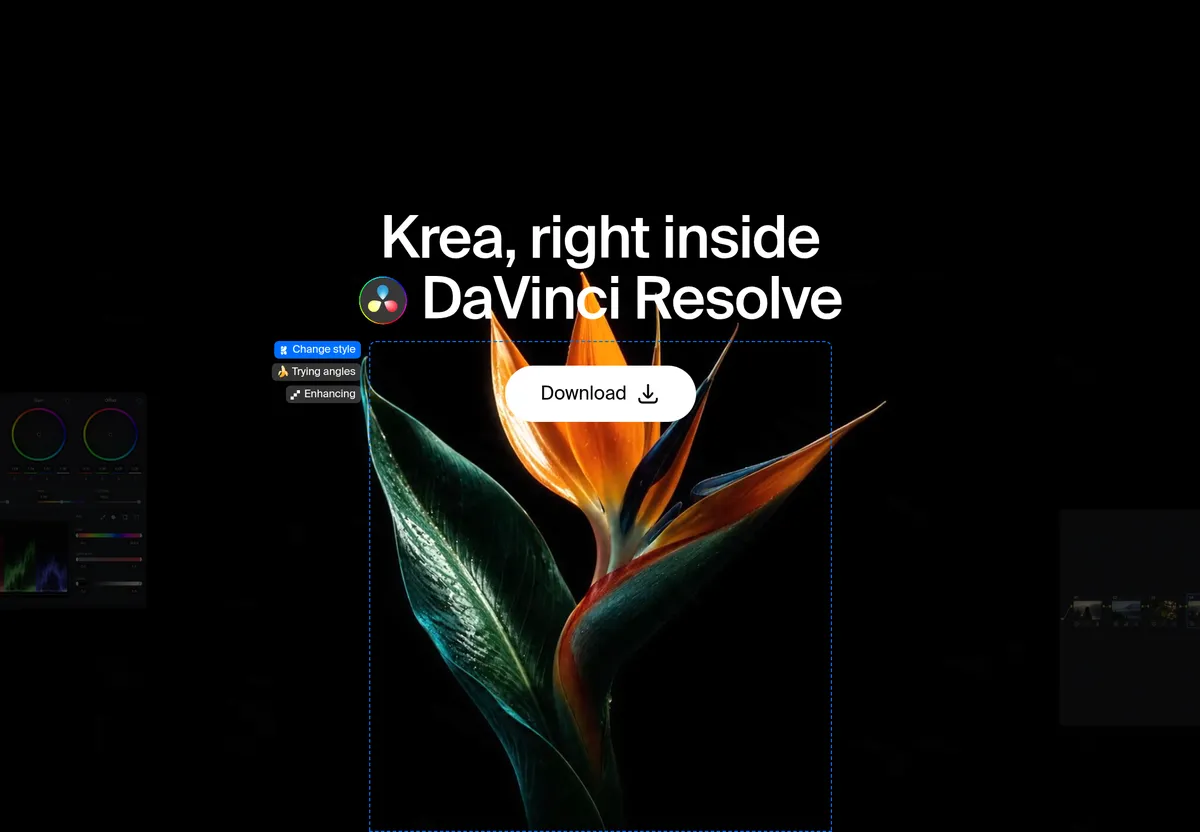
Krea has released a plugin for DaVinci Resolve that generates look references, plates, environments and inserts inside a Resolve project. According to Krea, it runs on macOS 12 or later and requires DaVinci Resolve Studio, with Windows support still to come.
- Krea for DaVinci Resolve generates grade references, plates, environments and inserts inside a Resolve project.
- It requires DaVinci Resolve Studio and macOS 12 or later; Windows support is coming, according to Krea.
- Krea Realtime powers a live preview of visual treatments.
- Generation runs on Krea's servers, so an account and internet connection are needed.
- Krea's free plan includes 100 compute units a day, per the company.
What the plugin does
Krea for DaVinci Resolve is aimed at colorists and editors who want lighting, palette and mood references before they build a grade. It also generates plates, environments and inserts, which arrive in the project as regular media, according to the company.
Krea stresses that the tool does not replace Resolve's own features. It works alongside the editing, compositing and grading tools. In the company's words: "Krea explores the picture. Resolve grades it." The colorist still builds the final look with color wheels, qualifiers and nodes, using the generated still as a reference next to the shot.
For plates, Krea lists a missing establishing shot, a VFX background plate and an insert the camera never got as typical uses. Once the generated clip is in the media pool, it can be edited and composited like any other clip.
Realtime preview and continuity
The plugin includes Krea Realtime, which lets users test visual treatments live. You change the treatment, watch the preview update and keep the frame that fits the scene. Krea Realtime is also available on the web, and video generation in the browser is handled by Krea video.
Krea also pitches the plugin for continuity across a sequence. Users can develop related frames, lighting references and treatments for one scene, for example the same room from a new angle, a matching grade reference for a pickup, or a plate that fits the shot in front of it.
The company points to its web model Krea 3 for relighting and reference-driven edits. According to Krea, it takes up to 8 reference images per edit and is 10× faster and 3× cheaper than GPT Image 2 and Nano Banana Pro, with fast, high and ultra modes.
Requirements and installation
The panel opens from Workspace → Workflow Integrations, which ships only with DaVinci Resolve Studio. The free version of Resolve is not supported. Users also need a Krea account and an internet connection, because generation runs on Krea's servers.
- Download the macOS installer from the DaVinci Resolve plugin page.
- Run it and follow the prompts.
- Restart DaVinci Resolve Studio.
- Go to Workspace → Workflow Integrations → Krea and sign in.
No Windows installer is available yet. Krea says only that Windows support is coming and gives no date.
What it means for Resolve users
Krea positions the plugin for three kinds of sessions: pitching looks when a lighting and palette reference is needed before the grade exists, filling gaps such as establishing shots, inserts and plates, and VFX work that needs background plates and environments. The company says the color page stays with the user.
On cost, Krea says its free plan includes 100 compute units a day with no credit card required. Resolve Studio is still necessary. The plugin is one of several Krea offers for creative apps, including one for Premiere Pro.