Krea for Blender adds AI materials, lighting and camera tests to the 3D Viewport
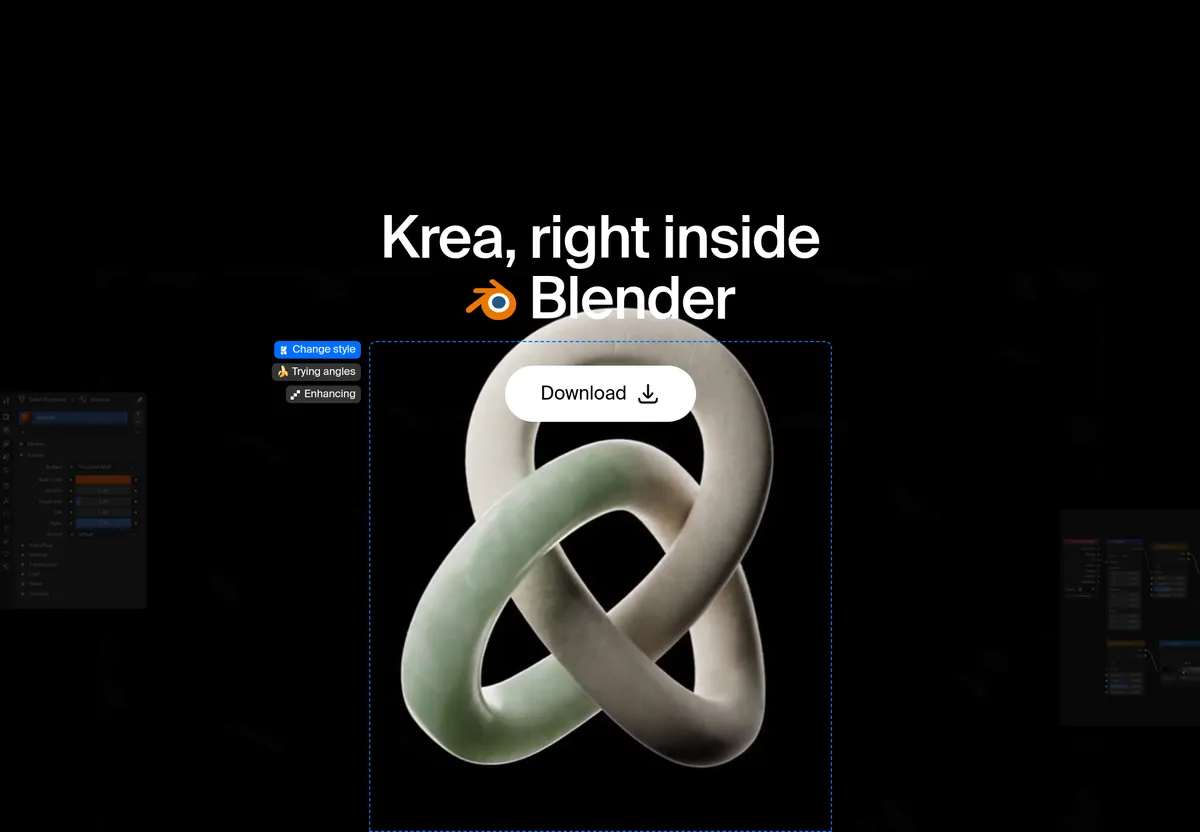
Krea has released Krea for Blender, an add-on that puts AI visual development into Blender's 3D Viewport. It generates references for materials, environments, lighting and camera views around an existing scene, while Cycles and EEVEE remain the render engines.
- Krea for Blender generates material, environment, lighting and camera references inside the 3D Viewport.
- It requires Blender 5.2 or later and runs on macOS (Apple Silicon or Intel) and Windows.
- Cycles and EEVEE stay the render engines, and the add-on does not generate meshes.
- Generation runs on Krea's servers, so a Krea account and internet connection are needed.
- Krea's free plan includes 100 compute units a day, according to the company.
What the add-on does
According to Krea, the add-on helps users explore materials and finishes, environment concepts, lighting directions and extra camera views around a scene they already have. It works alongside Blender's modeling, shading and rendering rather than replacing them.
Krea draws a clear line between this tool and the many "Blender AI" products that generate meshes from text. The add-on builds the picture around an existing scene instead. Anyone who needs text-to-3D or image-to-3D is pointed to Krea's 3D tool on the web, and the resulting mesh can then be brought into Blender.
- Materials: visual references for surfaces and finishes, such as plaster, brushed metal or a glaze, to keep open while building the node tree.
- Environments: backgrounds and references for site context, a sky and ground for a product shot, or a room around a piece of furniture. Users then place lights and world shaders in Blender to match.
- Lighting: comparisons of moods, color temperatures and setups, for example a warm key, a north-light interior or hard sun.
- Cameras: alternate framing such as a hero three-quarter, a detail, a top-down and a wider context shot, which Krea says stay consistent as the camera moves.
Installation and requirements
The add-on supports Blender 5.2 or later on macOS (Apple Silicon or Intel) and Windows. There is no installer. Users download a ZIP from the Blender add-on page and install it from inside Blender without unzipping it.
The ZIP can be dragged onto the Blender window, or installed through Edit, Preferences, Get Extensions and the Install from Disk option. After that, pressing N in the 3D Viewport opens the sidebar, where the Krea tab appears. Users sign in with a Krea account.
An internet connection is required, since generation runs on Krea's servers. Krea says its free plan includes 100 compute units a day and needs no credit card.
Where it fits and related Krea tools
Krea names three use cases. For archviz, it offers material and lighting studies around a model plus environment references for views not yet built. For product visualization, it supports finish studies and extra camera angles before the studio render. For game look-dev, it can help set a shared material and lighting direction before final textures are authored.
The company also points to Krea 3, its image model on the web, for editing finished stills. According to Krea, it takes up to 8 reference images per edit and is 10× faster and 3× cheaper than GPT Image 2 and Nano Banana Pro, with fast, high and ultra modes. These are the company's own claims.
Blender joins a set of seven Krea plugins. The others cover Photoshop, After Effects, Illustrator, Premiere Pro, DaVinci Resolve (macOS and Resolve Studio only) and ChatGPT.
What it means for Blender users
The add-on is aimed at the early look-development stage. Users still model, shade and render in Blender, and Krea supplies the visual targets they work toward. Because it does not create geometry, it suits artists who already have a scene and want to test finishes, light and framing before committing to shaders and render setups. Those who want generated meshes need to use Krea's separate web 3D tool.