Krea launches Illustrator plugin for AI artwork, tracing and agent design
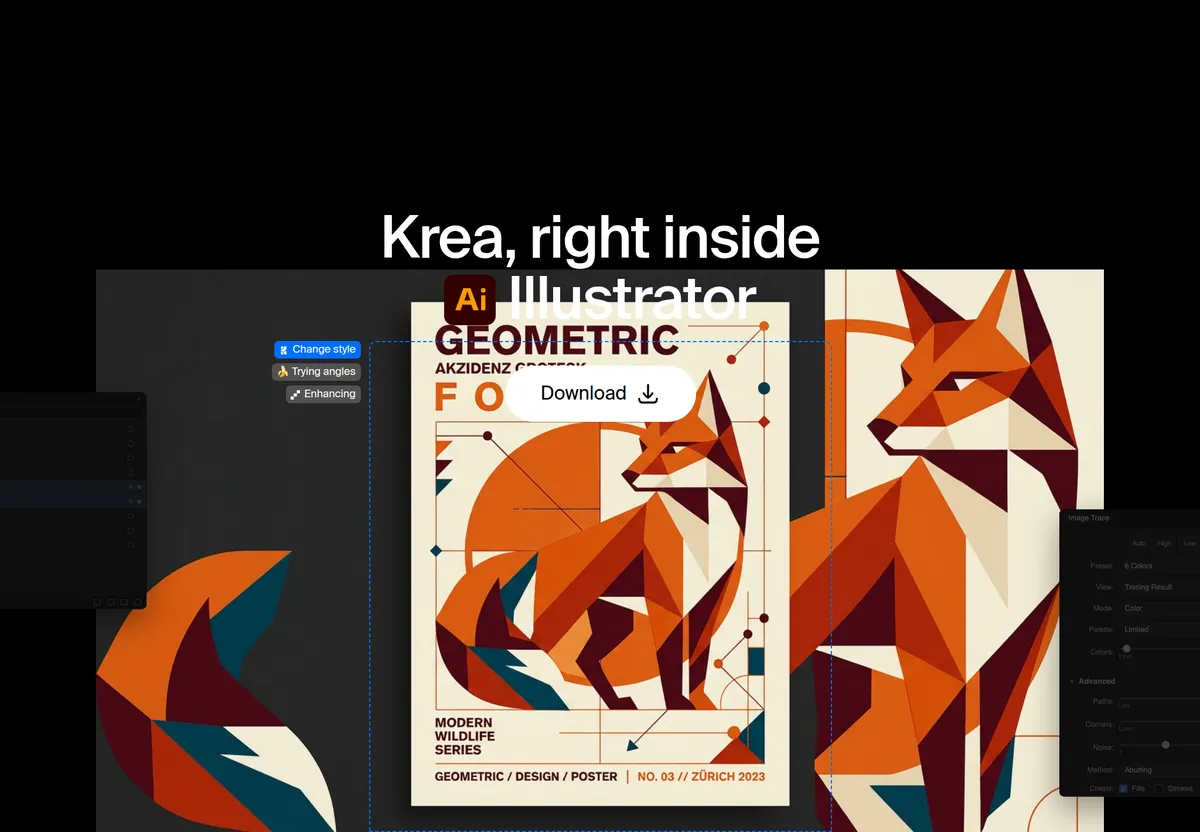
Krea has released Krea for Illustrator, a plugin that brings its image generation into Adobe Illustrator documents. Users can generate artwork, convert it to editable vector paths with Image Trace, explore logo directions and ask Krea Agent to build layouts inside the file.
- Krea for Illustrator generates artwork inside Illustrator documents and uses Image Trace to convert it to editable vector paths.
- Krea Agent can draw shapes, set type, arrange layers and artboards, and check its own work.
- The plugin requires Illustrator 2025 or newer, macOS 12 or later or Windows 10 or later, a Krea account and an internet connection.
- Paid Krea plans include a commercial license; the free plan does not.
- Krea says its Krea 3 web model is 10× faster and 3× cheaper than GPT Image 2 and Nano Banana Pro.
From generated image to editable vectors
According to Krea, the plugin works in two steps. Krea generates the image, then Illustrator's Image Trace turns it into editable vector paths. From there they are ordinary Illustrator paths that can be recolored, reshaped and scaled with the usual tools. Krea says this is faster than drawing every anchor by hand, while the designer stays in control of the final vectors.
The workflow starts in the panel, which opens via Window → Extensions → Krea. Users can generate an illustration from a prompt or from artwork they have selected, vectorize the result and then refine the paths. Krea advises tracing when the deliverable is a logo, an icon or a mark that has to scale, and keeping the raster version for textures or poster images that do not need anchors.
Logo exploration and Krea Agent
The plugin also targets brand work. Users can generate logo concepts and marks from a prompt or from selected artwork, then refine the strongest one in the file. A selection or the active artboard can be sent to Krea, edited, and placed back exactly where it came from. Krea says this round trip keeps the artboard and any type already set in place, so the new mark lands in the same spot. This is aimed at brand boards.
Krea Agent is the second main feature. According to Krea, it can draw shapes, set type, arrange layers and artboards, and check its own work, all inside the document. The company also describes a consistency use case: generate the first piece, then ask for the rest of a set in the same style, such as interface icons, chapter illustrations or a texture library for one brand.
- Logo concepts from a prompt or selected artwork
- Round-trip editing of selections and artboards
- Style-matched icon sets and textures
- Agent-driven shapes, type and layout
Requirements, licensing and Krea 3
Krea for Illustrator runs on macOS 12 or later and Windows 10 or later, with Illustrator 2025 or newer. Generation runs on Krea's servers, so a Krea account and an internet connection are required. Installation uses a signed installer from the Illustrator plugin page: run it, restart Illustrator, open the panel and sign in.
On commercial use, Krea states that paid plans include a commercial license while the free plan does not, and it recommends comparing plans on its pricing page before starting client work. The source does not give pricing details.
For heavier image editing, Krea points users to Krea 3 on the web. According to the company, the model takes up to 8 reference images per edit, is 10× faster and 3× cheaper than GPT Image 2 and Nano Banana Pro, and offers fast, high and ultra modes.
What it means for designers
For Illustrator users, the plugin keeps generation, tracing and editing in one .ai file instead of moving images between a browser and the desktop app. Designers who produce logos, icons and brand layouts can try ideas and then work on the resulting vectors with familiar tools. Those planning client projects need a paid Krea plan, based on the licensing terms Krea describes.