Krea for Photoshop adds relighting and background swaps in a panel
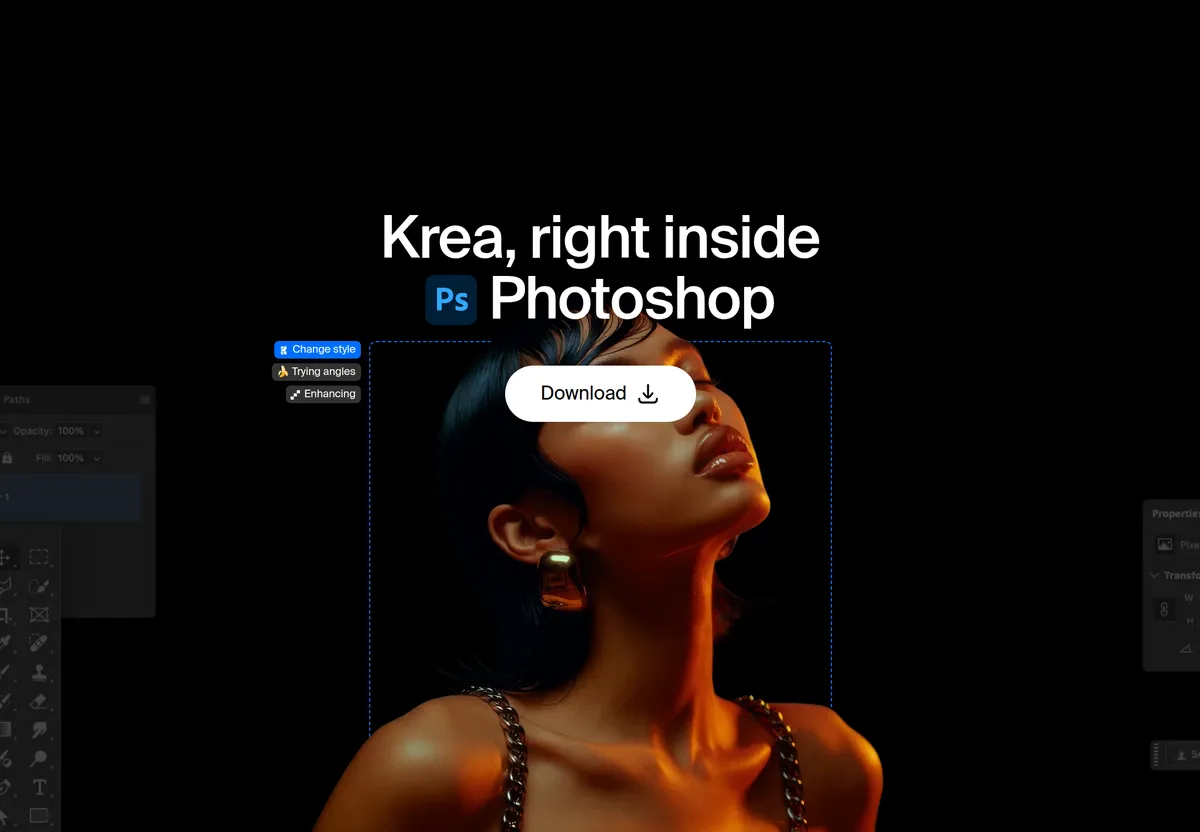
Krea has released a plugin that puts its image and video generation in a panel inside Photoshop. According to the company, every result lands as a regular layer, so users can keep working in their usual way.
- Krea for Photoshop adds image and video generation as a panel inside Photoshop documents.
- Features include background replacement, relighting, multi-shot layouts, a realtime canvas and product mockups.
- Every result arrives as a regular layer that can be masked and retouched.
- It runs alongside Adobe's Generative Fill and requires a Krea account and an internet connection.
- Krea says its free plan includes 100 compute units a day.
What the plugin does
Krea for Photoshop covers several tasks in one panel. According to Krea, users can swap a background, relight a shot, turn one image into a multi-shot layout, sketch on a realtime canvas, or place a product into a scene.
Background replacement lifts the subject out and drops in a new background that matches the scene's lighting and perspective. Users describe the new background, including the light and camera angle it should match, and place the result as a new layer.
Relight changes the lighting and mood of an existing shot, for example a new time of day or a different key light, without a reshoot. Because the relight comes back as its own layer, it can be masked to the subject, leaving a logo or label untouched on the original.
Multi-shot layouts turn a single image into a set of consistent angles and crops. Krea suggests them for campaign grids, product page sets or story sequences. Each view arrives as a layer that can be cropped, stacked and set with type.
The realtime canvas updates the image live as the user sketches or types. Krea describes it as the same idea as Krea Realtime on the web: iterate quickly, then generate a final version as a layer. The panel can also generate video.
Installation and requirements
Krea ships a signed installer, Krea-Photoshop.ccx, for macOS and Windows. It supports recent versions of Photoshop, and the plugin page lists exact requirements next to the download.
- Download the installer from the Photoshop plugin page.
- Double-click the file, and Creative Cloud installs it.
- On macOS, open Window, then Plugins, then Krea. On Windows, open Plugins, then Krea.
- Sign in with a Krea account.
Generation runs on Krea's servers, so an internet connection and a Krea account are required. Krea says its free plan includes 100 compute units a day, with no credit card required.
Alongside Generative Fill, not instead of it
Krea positions the plugin as a complement to Adobe's built-in Generative Fill. In its words, Krea "doesn't replace Generative Fill; it adds a second set of models to the same document." Generative Fill needs an Adobe account, while Krea needs a Krea account and a connection.
The company recommends keeping Generative Fill for the fills and extensions users already rely on, and opening the Krea panel for Krea's models, a live canvas or video, without exporting to another app.
For heavier product editing, Krea points to Krea 3 on the web. According to the company, it takes up to 8 reference images per edit, keeps the product intact down to the label and logo, and is 10× faster and 3× cheaper than GPT Image 2 and Nano Banana Pro. It offers fast, high and ultra modes.
Other Krea plugins and what it means
Photoshop is one of seven Krea plugins. The others are for After Effects, Illustrator, Premiere Pro, DaVinci Resolve (macOS and Resolve Studio only), Blender and ChatGPT. The desktop plugins work the same way: install, sign in with Krea and generate in the app already in use.
For Photoshop users, the practical point is that generated content arrives as ordinary layers, so masking, retouching and type remain in Photoshop. Users who want these functions need to be online and signed in to Krea.